GPT Image 2 — Free Online
OpenAI's most powerful image model, available in your browser. Edit photos, generate visuals, and remove backgrounds with a single text prompt.
Why GPT Image 2 leads on long prompts & in-image text
OpenAI's latest text-to-image model — same lineage as ChatGPT & DALL·E, tuned for photorealism and legible type. Every image below was generated on Shotari from a single prompt.
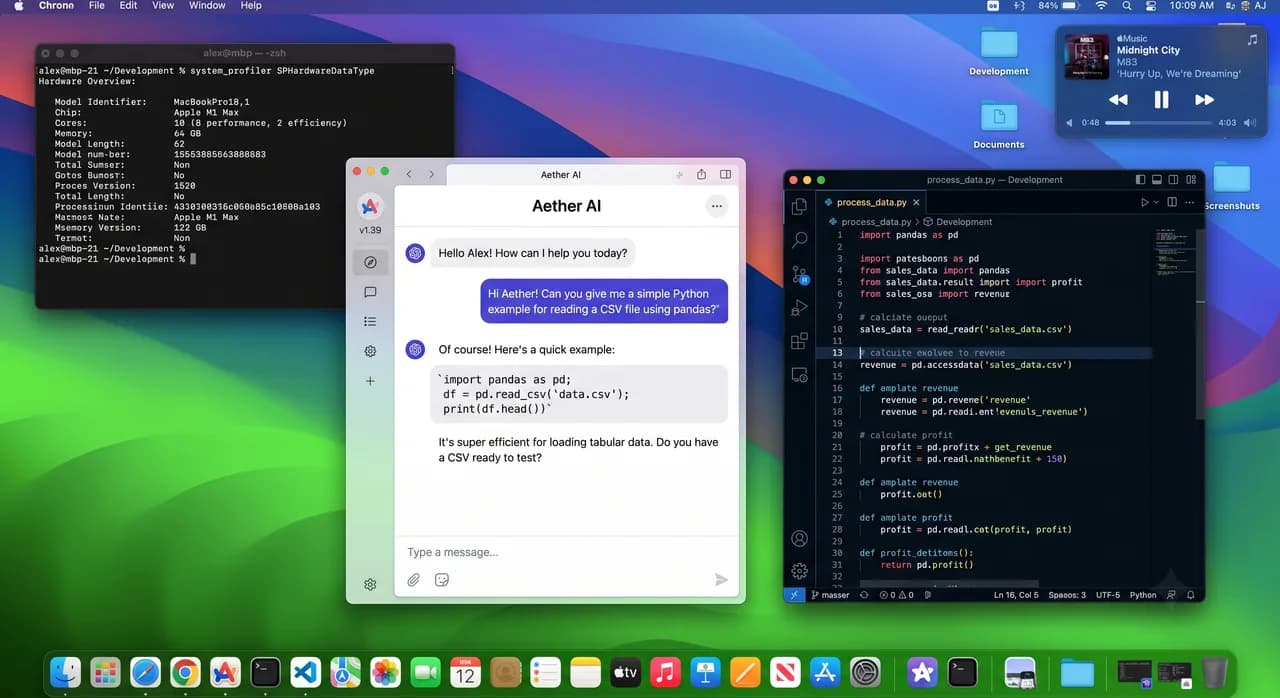
Same lineage as ChatGPT & DALL·E
GPT Image 2 belongs to the same OpenAI model family as ChatGPT's image generation and is the direct successor to DALL·E. Years of alignment work — long-prompt understanding, safety guardrails, visual consistency — all carry over, re-tuned on a faster, sharper rendering pipeline.
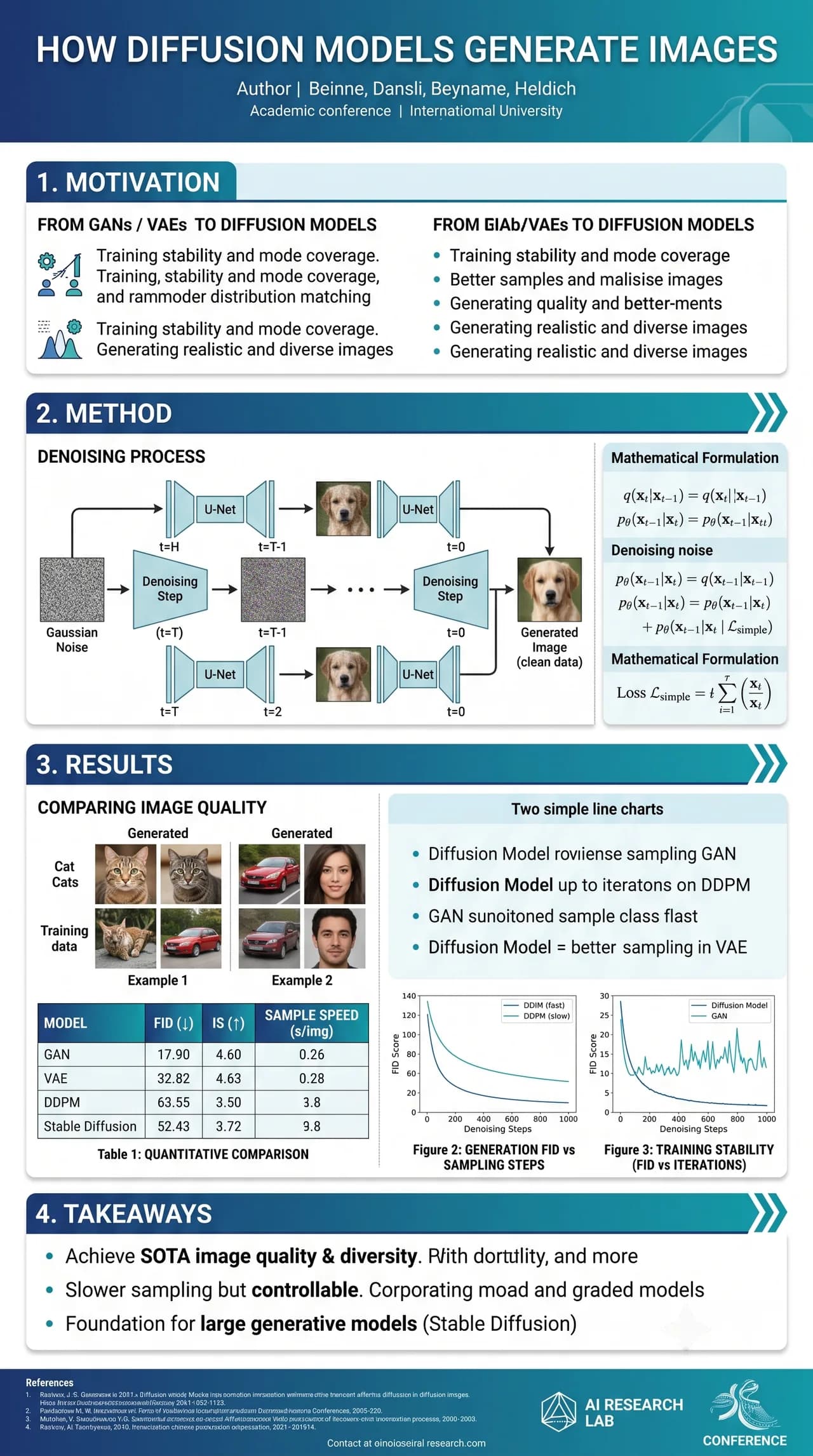
Top-tier long-prompt following
Give it a long, detailed brief and every object and relationship lands where you asked. GPT Image 2 holds complex multi-section layouts together — diagrams, tables, charts and fine print — without losing the thread or smudging the details.
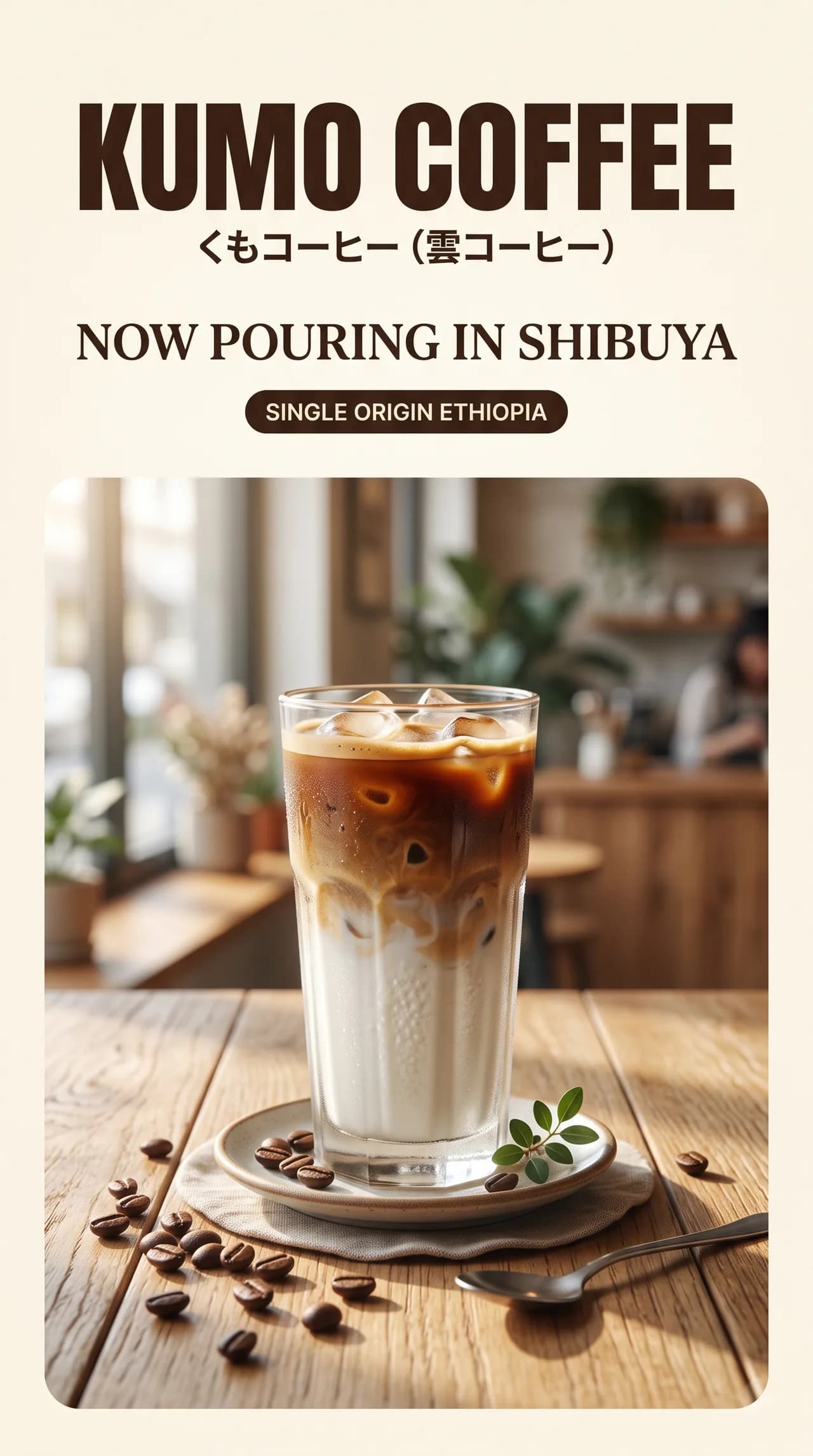
Pixel-perfect text in the image
Posters, packaging, menus, magazine covers, infographics — GPT Image 2 treats in-image text as a first-class citizen: no spelling drift, no cramped line breaks. Write the headline, subhead and price tags into the prompt and the model lays them into the design.
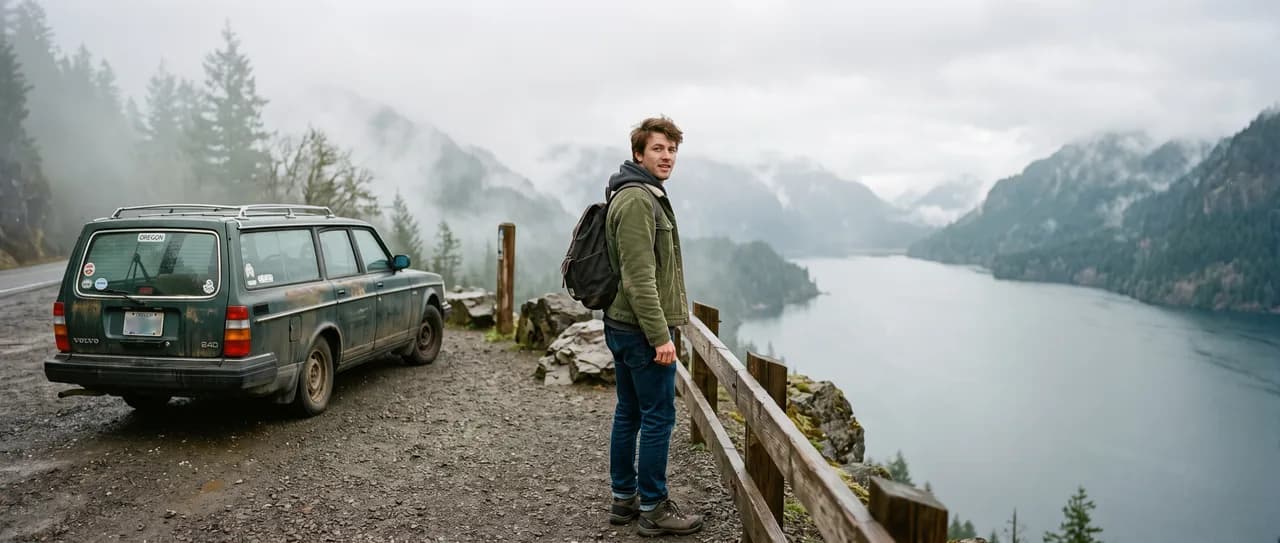
Photorealistic by default
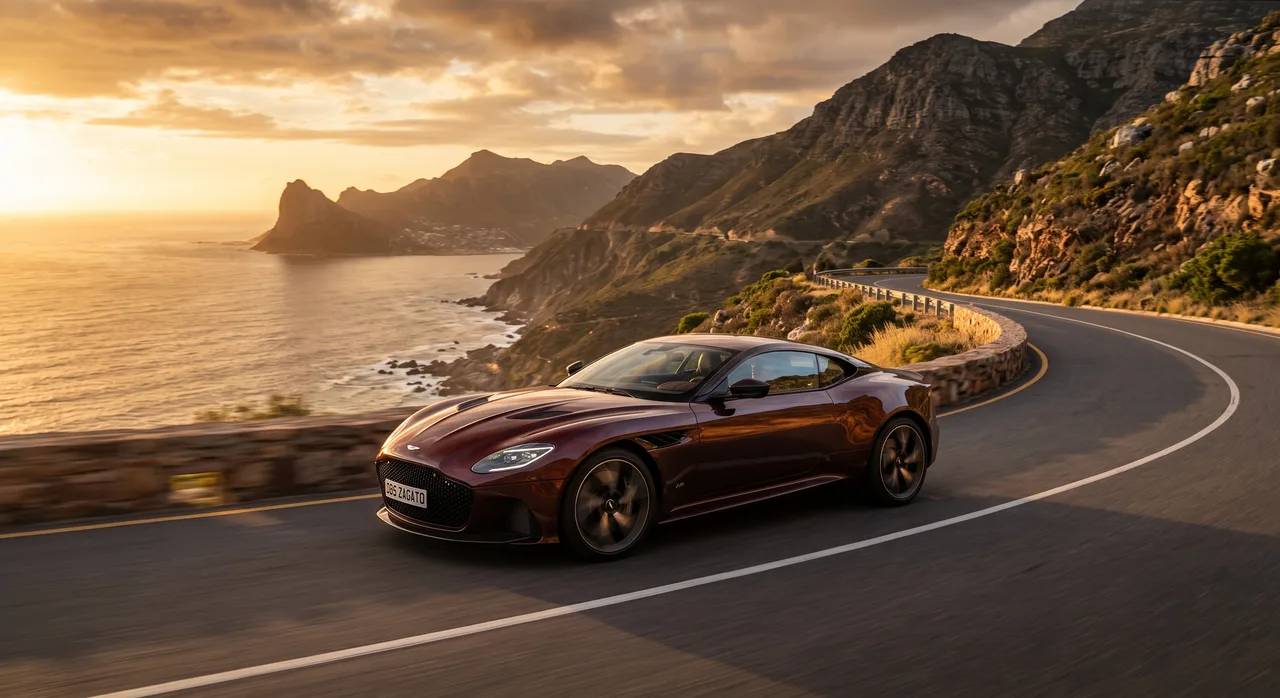
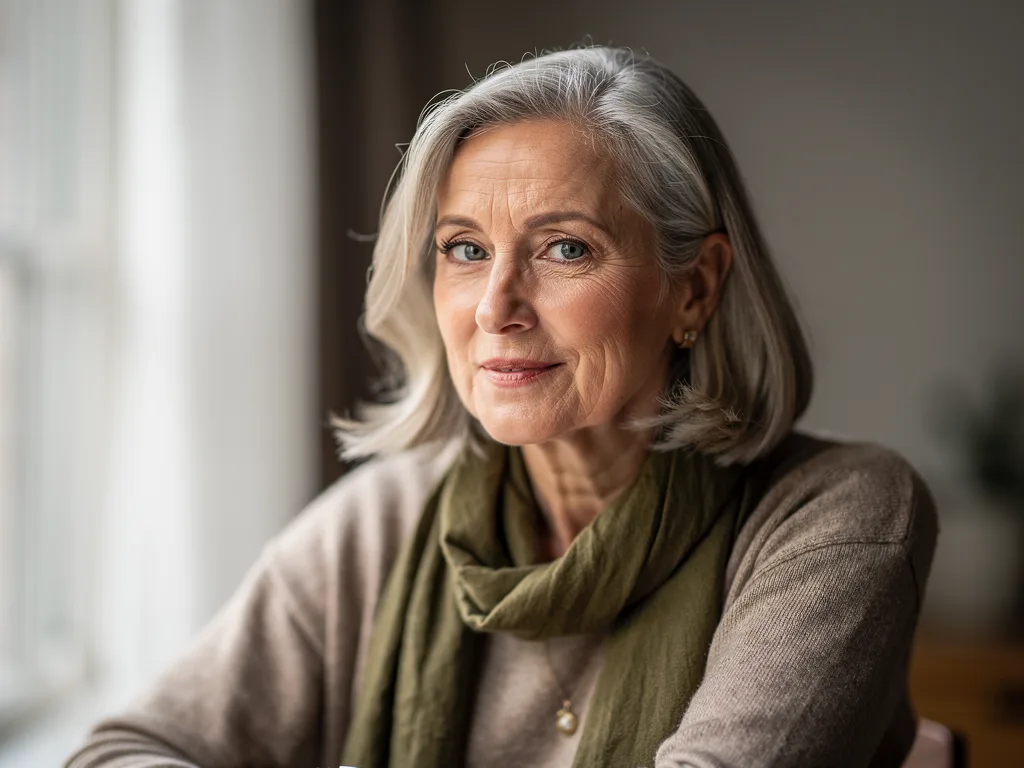
Skin, fabric, food, metal, glass — GPT Image 2 produces realistic texture without prompt tricks. For product heroes, brand campaigns, or anything that needs to look like a real photo rather than an illustration, use it as your default model.
What GPT Image 2 Does Better
Five credits per image and the strongest instruction-following on Shotari. GPT Image 2 is the model you reach for when the prompt is complicated and the budget is real.
Complex prompt adherence
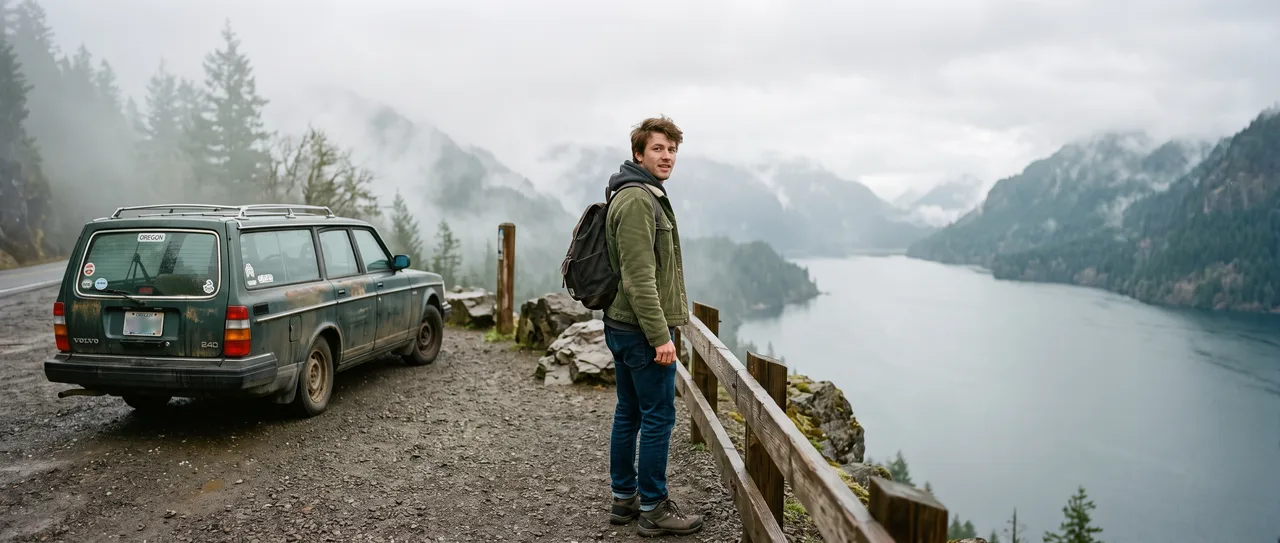
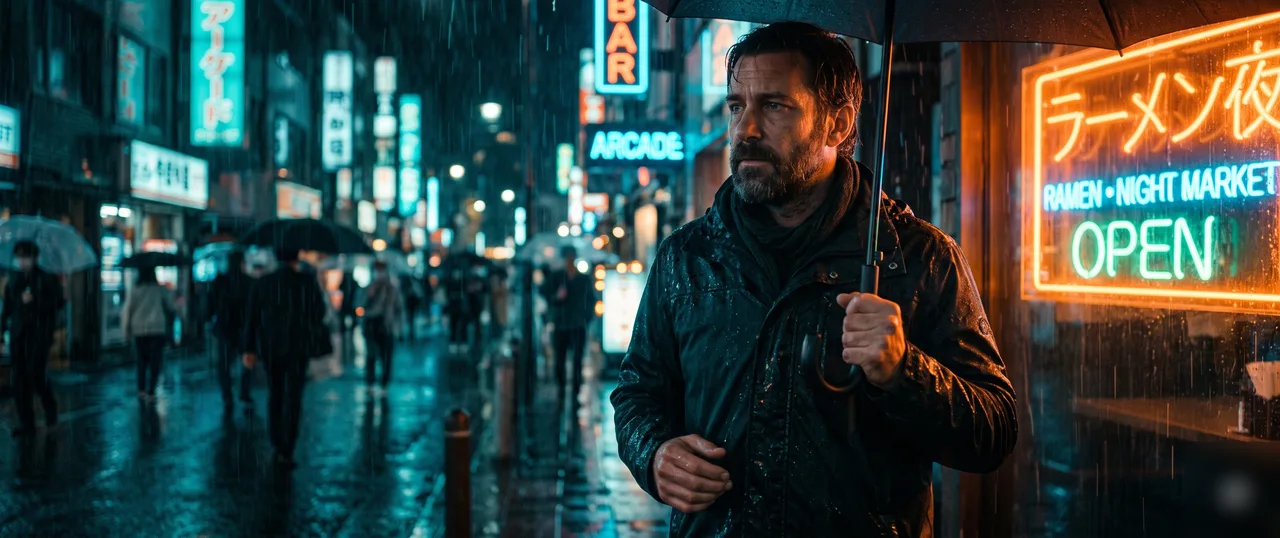
Multi-clause prompts — “a rainy neon street, subject on the left third, reflections in puddles, film grain” — come back with every clause honored. Fewer re-rolls means the 5-credit price is even cheaper than it looks.
Half the cost, full 4K
5 credits versus 10 for Nano Banana Pro, with the same 1K/2K/4K ladder and the same six aspect ratios. For iteration-heavy work, that is literally twice the attempts per credit.
Clean text rendering
Headlines, signs, and short labels render legibly — a signature strength of the GPT Image line that saves the usual round-trip through a design tool.
Photoreal to stylized range
One model covers product-photo realism, editorial illustration, and flat design. Say the style in the prompt; you do not need to switch models per aesthetic.
Reference-guided edits
Upload up to 3 images and describe the change — background swaps, style transfer, object cleanup — with strong obedience to “change only this”.
Fast ideation loops
Concept exploration wants volume. At 5 credits a shot, a 50-credit budget is ten distinct directions — draft here, then finish the winner on a premium tier if needed.
How to Use GPT Image 2 in 4 Steps
Write the full brief
This model rewards specificity — pack subject, composition, lighting, and style into one prompt.
Attach references (optional)
Up to 3 images when you are editing or matching a style rather than starting from scratch.
Pick resolution & ratio
Draft at 1K, ship at 2K or 4K. Cost preview updates before you generate.
Iterate in your history
Every run is saved. Fork the best result with a one-line change instead of rewriting the prompt.
Where GPT Image 2 Earns Its Credits
Concept exploration
Ten directions for a campaign in ten generations — the cheap, obedient model is the right brainstorming partner.
Text-heavy visuals
Posters, YouTube thumbnails, and banner mockups where the headline has to be readable on the first pass.
Editorial illustration
Blog headers and article art in a consistent style, generated faster than stock-photo hunting.
Precise photo edits
When the instruction is surgical — “remove the third person from the left, keep everything else” — adherence is what you are paying for.
Explore more models
Each model has its own strengths — pick one and start creating.
Shotari Pro
Our premium in-house model — sharper, higher quality.
Shotari Basic
Our free, fast model for everyday creation.
FLUX.2
Black Forest Labs' flagship — striking photorealism.
GPT Image 1.5
Fast OpenAI edits with clean in-image text.
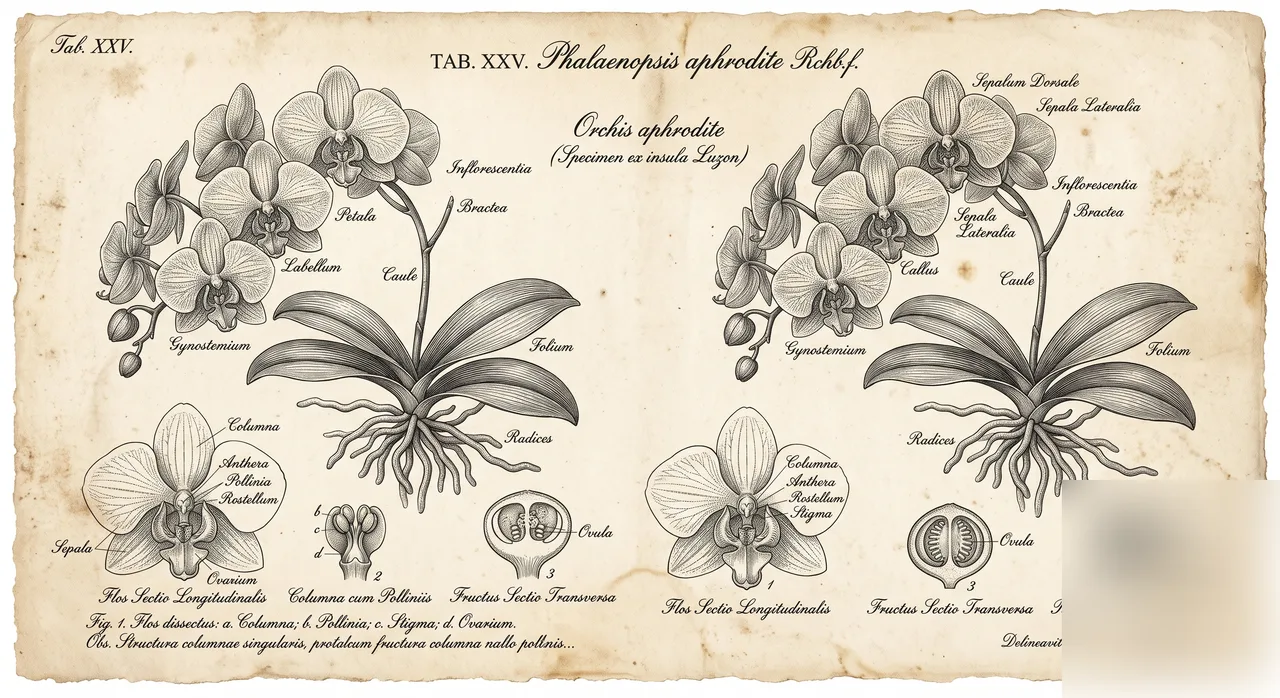
Nano Banana Pro
Google Gemini — high-fidelity detail and strong consistency.
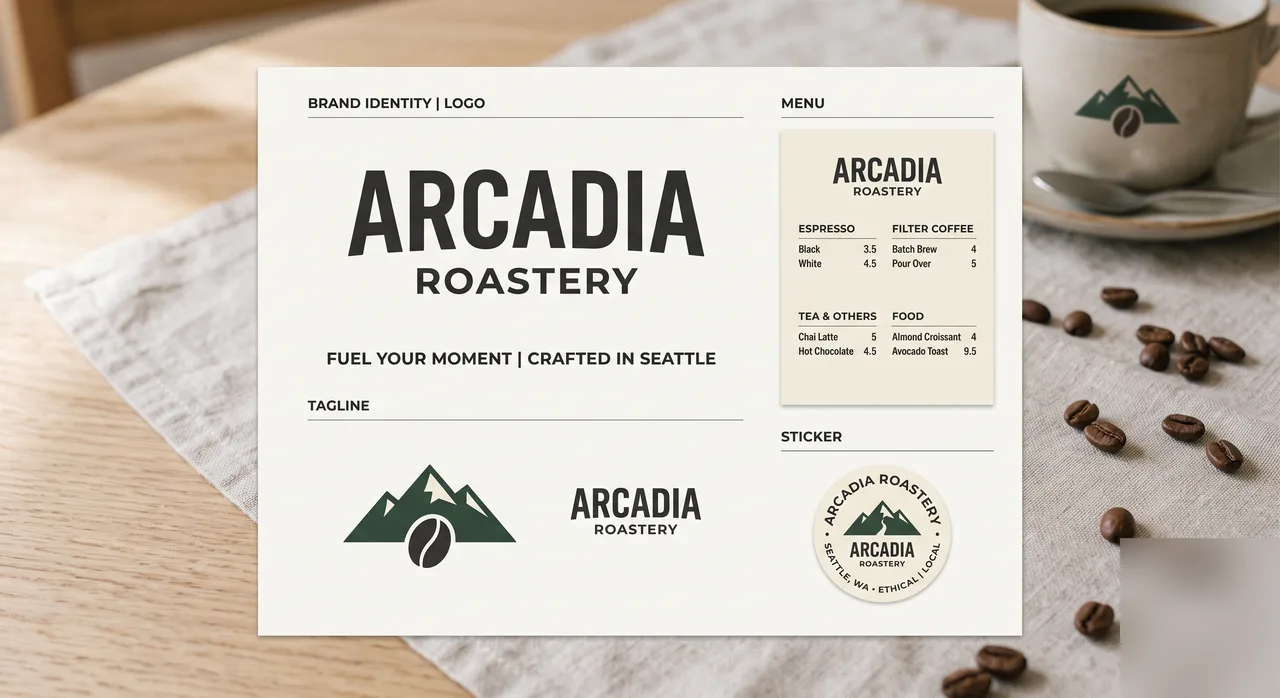
Nano Banana 2
Sharper detail and refined visual quality.
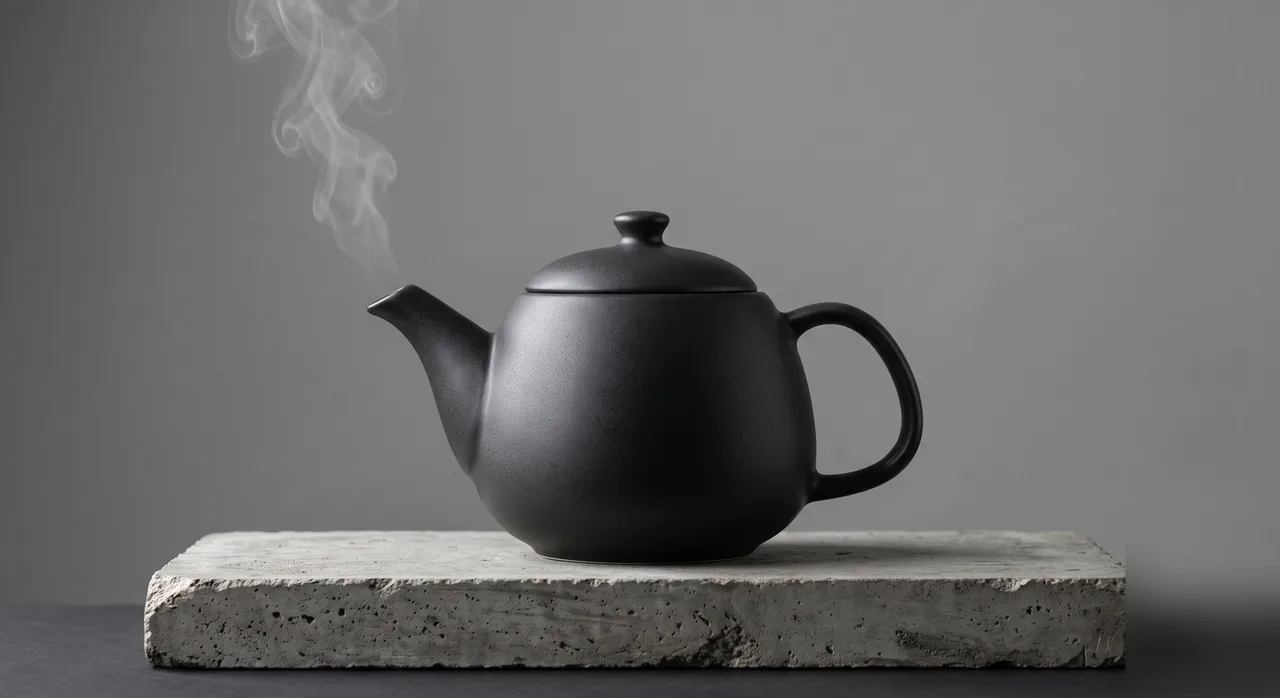
Nano Banana
Fast, popular model for everyday image creation.
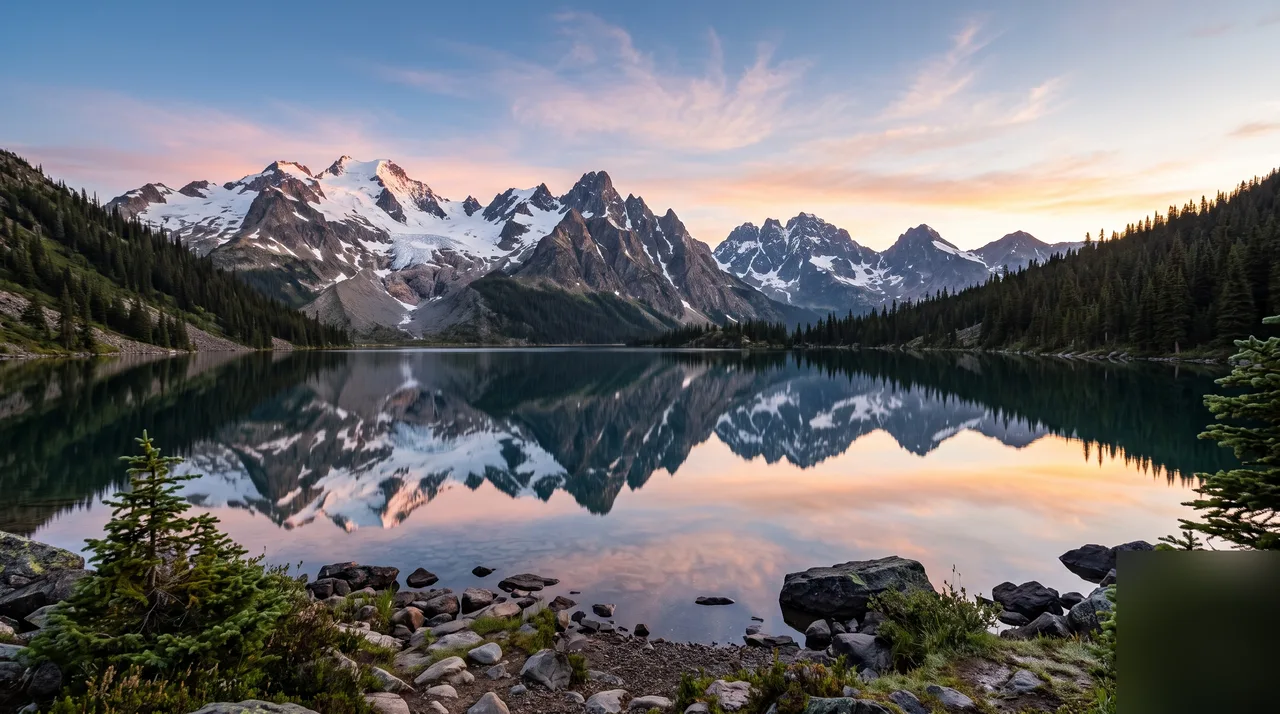
Seedream 5
Photorealistic, high-resolution image generation.
Seedream 4.5
Cinematic realism with 2K/4K and reference editing.
Seedream 5 Lite
Budget-friendly, fast everyday generation.
Choose Your Plan
Free images include a watermark. Upgrade for clean output, faster generation and commercial use.
Free
10 credits per day
Get Started- ~5 Shotari Pro generations/dayⓘ
- Unlimited Shotari Basic (slow queue)ⓘ
- Basic features
- Community support
- Images include a watermark (free tier). Upgrade to remove.
- Shotari free models only
Pro
Billed yearly · $120/year
2,000 credits per month
- All credit models (GPT Image, Nano Banana, Seedream, Seedance, Kling, Veo)
- ~1,000 Shotari Pro generations/monthⓘ
- ~80 AI videos per monthⓘ
- Unlimited Shotari Basicⓘ
- Priority queue
- No watermark
- Commercial license
Ultimate
Billed yearly · $240/year
5,000 credits per month
- All credit models (GPT Image, Nano Banana, Seedream, Seedance, Kling, Veo)
- ~2,500 Shotari Pro generations/monthⓘ
- ~200 AI videos per monthⓘ
- Unlimited Shotari Basic
- Highest-priority queueⓘ
- Full privacyⓘ
- No watermark
- Commercial license
- Early access to new features
Frequently Asked Questions
What is GPT Image 2?
GPT Image 2 is OpenAI's latest text-to-image model — part of the same OpenAI family that powers ChatGPT image generation, and the direct successor to the DALL·E line. On Shotari, GPT Image 2 sits alongside Nano Banana, Seedream, and Shotari's own models in one generator, so you can pick the model that fits each scene.
How is GPT Image 2 different from ChatGPT image generation?
ChatGPT image generation is the consumer product surface; GPT Image 2 is the underlying text-to-image model that powers it. On Shotari you call that same OpenAI model directly — with prompt templates, multi-model comparison, and instant in-browser results.
Is GPT Image 2 the same as DALL·E?
GPT Image 2 is the next generation after DALL·E — the same OpenAI lineage, with stronger long-prompt fidelity, much better in-image text, and modern photoreal rendering. If you used DALL·E or DALL·E 3 before, GPT Image 2 is the upgrade path.
What is GPT Image 2 best for?
Three sweet spots: (1) long, detailed prompts where every object and relationship has to land; (2) images that need readable text inside them — posters, packaging, menus, infographics, magazine covers; (3) photoreal product, food, and portrait imagery where lighting and material accuracy matter.
How much does GPT Image 2 cost on Shotari?
On Shotari, GPT Image 2 costs 5 credits per image, paid from a credit pack or subscription. The free credits every account gets — 20 at signup plus 10 a day — only run Shotari Basic, so they can't be spent on GPT Image 2. Images made with paid credits are watermark-free and cleared for commercial use.
Can I use GPT Image 2 outputs commercially?
Yes — images generated with paid credits are watermark-free and come with full commercial usage rights for ads, e-commerce, social posts, presentations, and client work. Free-tier outputs include a watermark and are meant for trial and personal use. Always make sure your prompt and any uploaded references comply with copyright, likeness, and platform content rules.
Can ChatGPT edit photos?
Yes — you can upload a photo in ChatGPT and describe the change in words, which is why most people searching for a ChatGPT photo editor end up on a page like this one. It needs an OpenAI account and it happens inside a chat thread, one image at a time. Shotari is a separate editor built around the same idea: attach the photo, describe the edit, and choose which image model runs it — with aspect ratio, resolution and a visible history that a chat window does not give you.
Is there a free ChatGPT photo editor online?
Here the honest answer has two halves. You get 2 edits per day with no account and no card — those run on Shotari Basic, and the composer says so on screen when it swaps Basic in for the model you picked. GPT Image 2 itself is a paid-credit model here, from 5 credits per image, so free and GPT Image 2 do not overlap. Signing up is free and starts you with 20 credits; free-tier images carry a watermark, while images made with paid credits are watermark-free and cleared for commercial use.
Can I edit a photo without signing up?
Yes, twice a day. Type the change, attach your photo and hit generate — no account, no card. The allowance is counted per IP address and resets each day. Two things do need an account: downloading the result, and running the paid-credit models instead of Shotari Basic. Signing up is free, raises the Shotari Basic allowance to 20 a day and unlocks downloads; GPT Image 2 itself needs paid credits.
Generation failing or erroring? GPT Image 2 not working — 7 causes and the fix for each →
Long prompts that just land — start with GPT Image 2
20 free credits on signup plus 10 daily. Top-tier prompt following and in-image text, right in your browser.
Start creating free