Free Online AI Photo Editor

Easy Photo Editing - Transform & Enhance Photos with Text Prompts

Drop an image here or click to browse

JPEG, PNG or WEBP, up to 24MB

Templates:
More

Enter a description above to start

Generated image will appear here.

What is Shotari?

Shotari is a free online AI photo editor and image generator that edits any photo from a plain-text prompt — remove or replace backgrounds, restore old photos, and generate product shots or YouTube thumbnails — with no Photoshop skills. You get free daily credits to start; paid plans unlock watermark-free, commercial-ready output and premium models like GPT Image 2 and Nano Banana Pro.

Popular Image Templates

Upload a photo, apply a style in one click

View all →
Control image content precisely

Control image content precisely

Our AI photo editor makes more targeted changes to people, objects, areas, and small details so the image matches your real editing goal more closely. Whether you want to adjust local elements, improve subject focus, or reorganize visual attention, AI photo editor gives you a more flexible way to edit the frame.
Replace backgrounds with prompts

Replace backgrounds with prompts

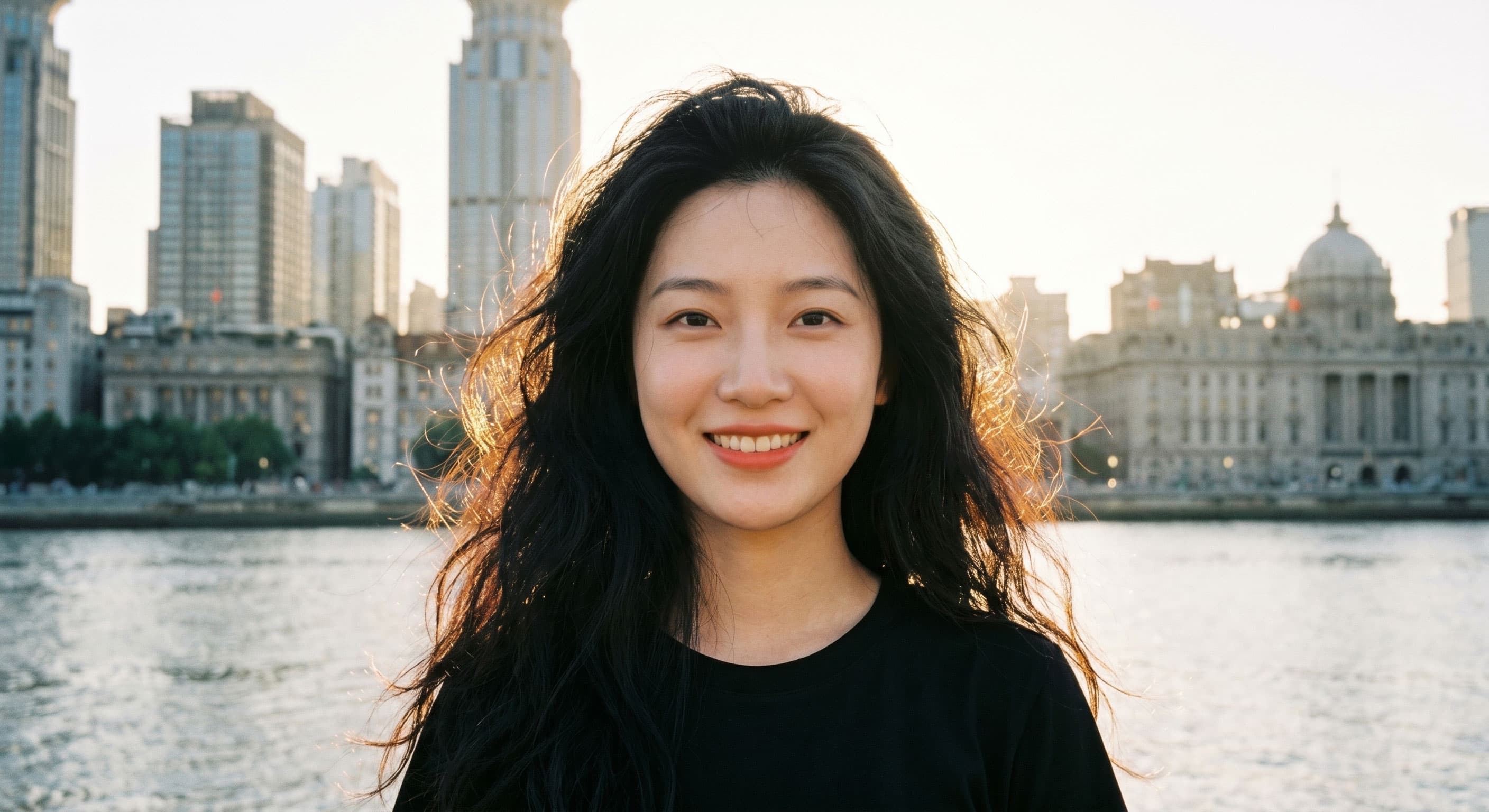
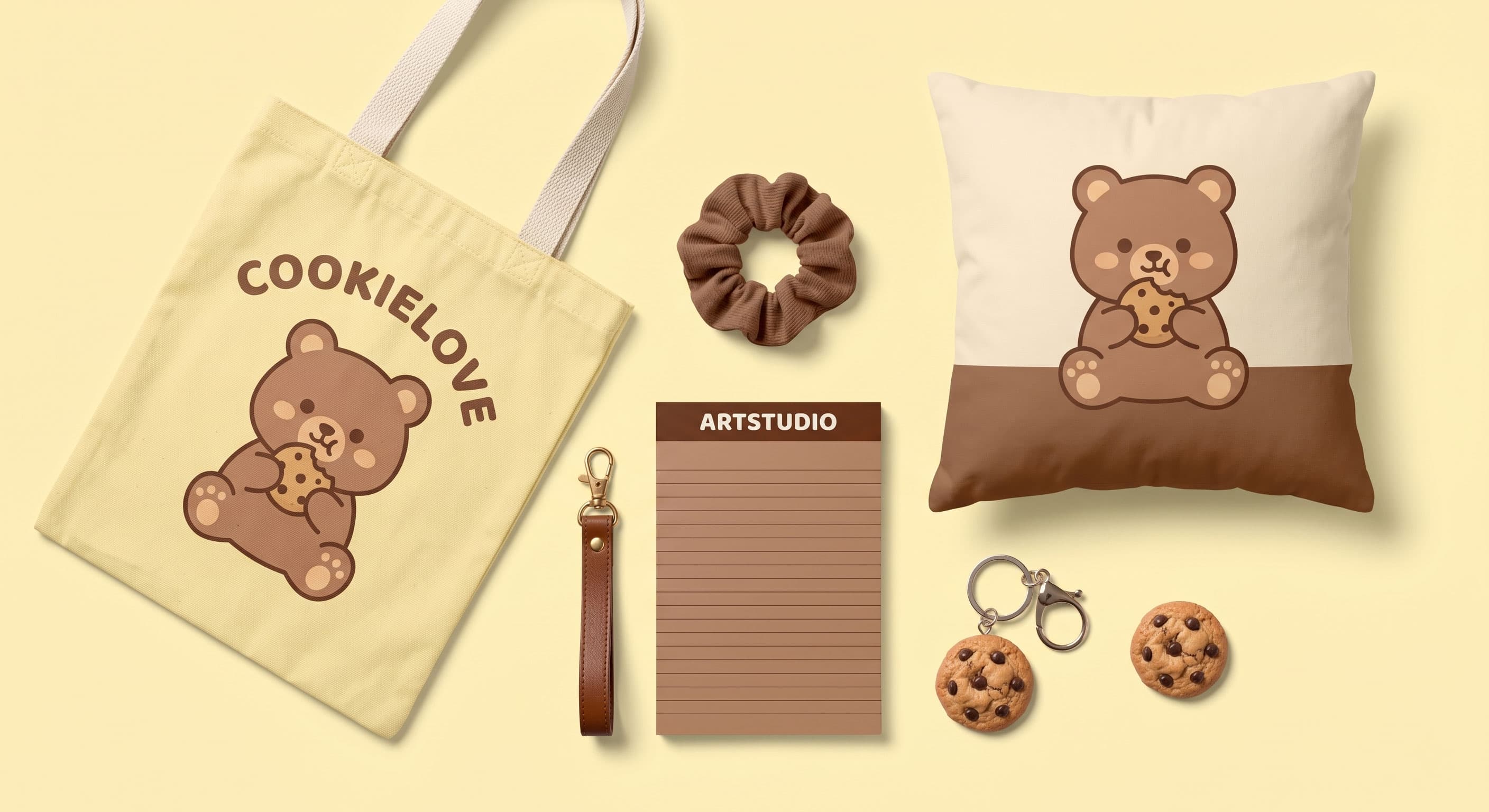
An AI photo editor online free can turn an ordinary setting into a cleaner, more premium, or more brand-aligned background while keeping the subject edges and overall image feel natural. For ecommerce product photos, brand visuals, and social media assets, this workflow is more useful for keeping the page style consistent.

Improve portrait and product details

Improve portrait and product details

Our AI photo editor online free can improve lighting, refine skin texture, strengthen product detail, and increase overall image clarity so visuals feel more ready for stores, social posts, and brand presentation. For profile photos, portraits, skincare images, and close detail shots, the result usually looks cleaner and more consistent.

Use multiple reference images

Use multiple reference images

Our free online AI photo editor supports multiple references so you can unify style, borrow composition ideas, or merge useful elements into a more directed final image. For brand teams and design teams, this multi-image workflow makes it easier to control visual consistency.

Transform photos with fast stylization

Transform photos with fast stylization

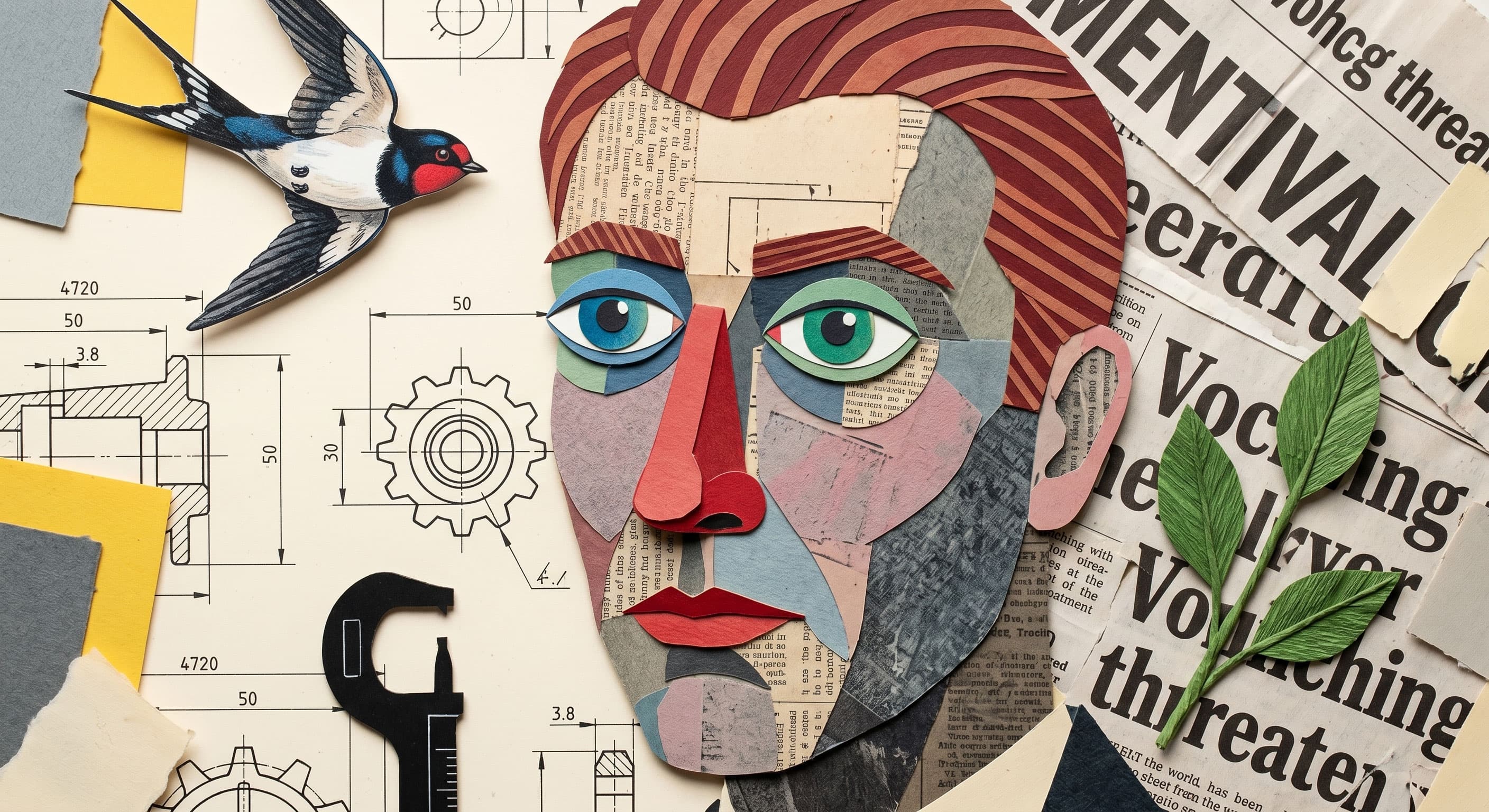
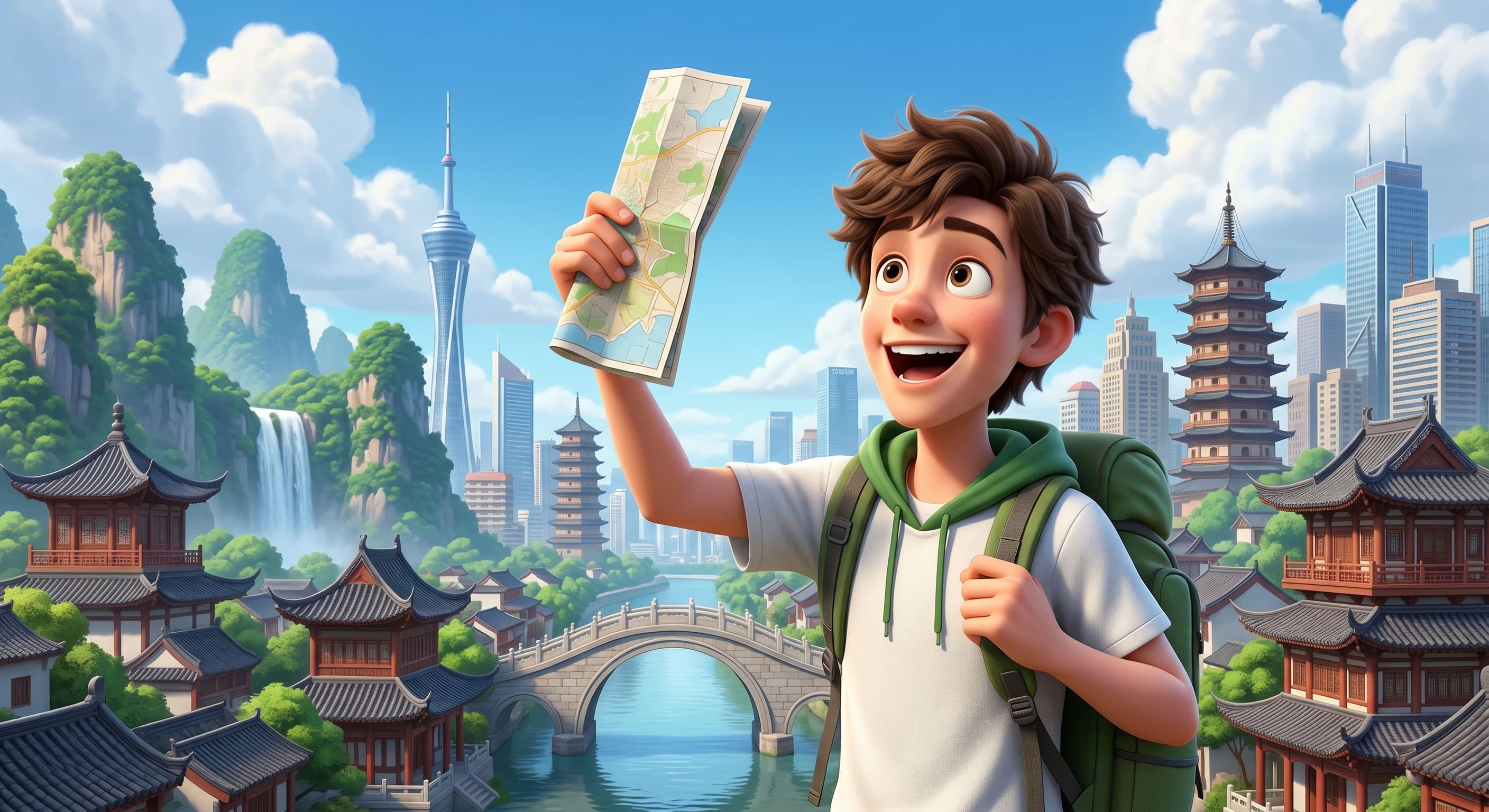
Our free online AI photo editor can transform an original photo into a more defined visual look, such as a Ghibli-inspired style, a Polaroid photo style, film texture, illustration style, or a vintage photo aesthetic. For social content, brand visual testing, and creative refresh work, this kind of stylization makes it easier to create more distinctive visuals quickly.

Choose Your AI Model

Different models for different creative needs. or .

AI Photo Editor Use Cases

Travel photo cleanup and everyday image fixes

Useful for personal users who want to clean up travel photos, street shots, and daily captures without reshooting, so the image is easier to share, save, and reuse.

Ecommerce product image updates and launch-ready visuals

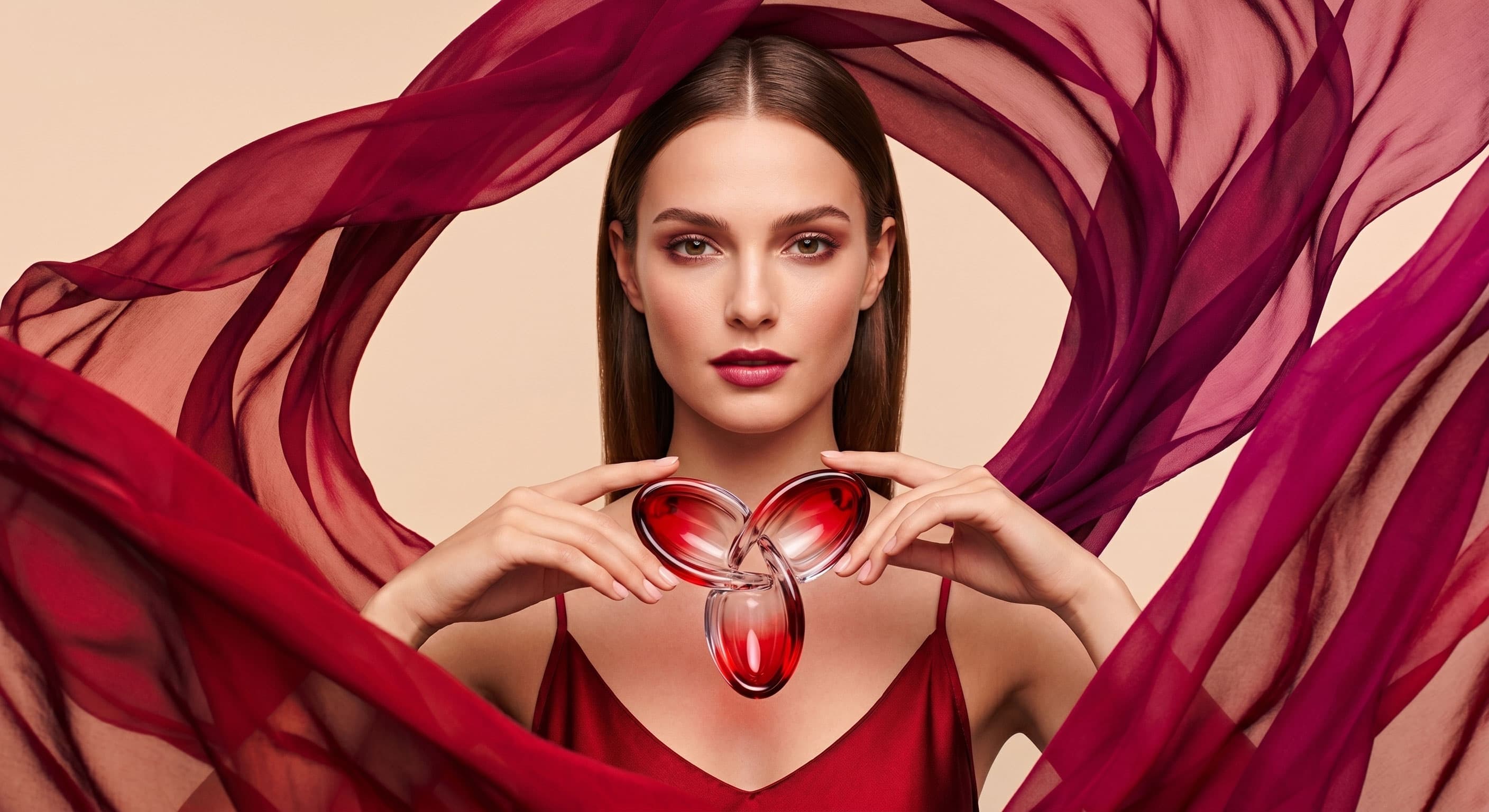
Useful for store operators, ecommerce brands, and independent sellers who need to improve hero images, detail-page visuals, and campaign assets while keeping the output consistent and professional.

Portrait, headshot, and personal brand image polish

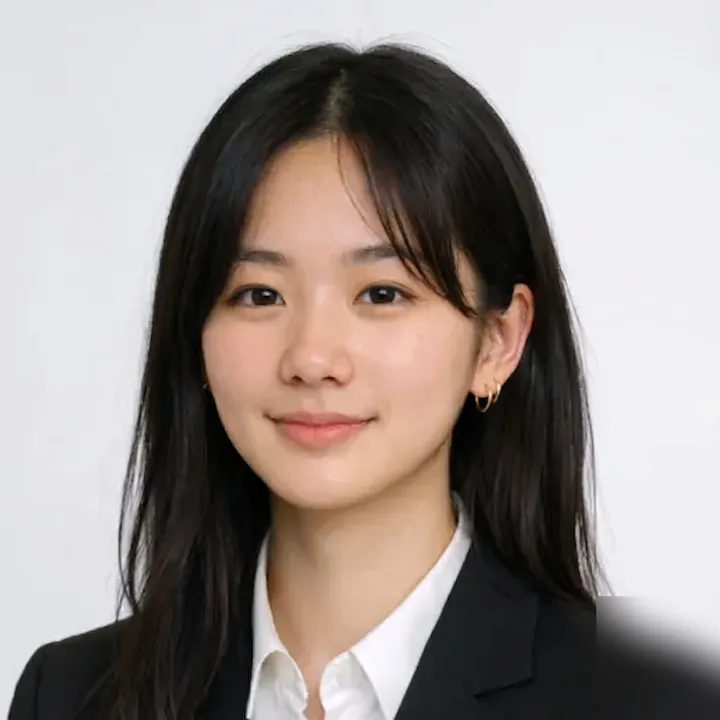
Useful for improving profile photos, professional headshots, team portraits, and social profile images so personal branding, recruiting pages, and business-facing visuals feel more consistent.

Marketing asset updates and fast iteration cycles

Useful for marketing teams, content teams, and small studios that want to test versions based on existing images for ads, social visuals, banners, and campaign pages.

Why Use AI Photo Editor

Faster than a traditional photo editing workflow

Skip repetitive steps like cutouts, masking, and local cleanup so you can finish frequent image changes in less time, especially when many visuals need updates every day.

Lower learning curve for non-designers

You do not need advanced retouching skills to get started. Describe what should change and begin editing right away, which makes free online AI photo editor friendlier for operators, marketers, and content teams.

A more focused workflow with less tool switching

From upload to prompt to preview and export, the full process stays on one page, which fits teams that care about speed and want fewer context switches between tools.

Better for iteration and repeatable editing methods

When you need to try several editing directions, free online AI photo editor workflow makes it easier to reuse ideas, refine results step by step, and build a stable team process.

How To Use AI Photo Editor

01

Upload your image

Upload a JPG, PNG, or WebP file to start. Add a clear photo for better results. Product photos, portrait photos, and daily photos all work well.

02

Describe the change

Tell the AI what to remove, fix, replace, or change with a short prompt. Use simple words like 'remove bag', 'change wall color', or 'make skin look smooth'.

03

Generate and download

Review the new image, then download a clean result when the edit looks right. If needed, change the prompt and try again to get a better photo.

FAQ

1

Do I need an account to use the AI photo editor?

Yes. You need to sign in to use the AI photo editor. Click the Sign In button in the top navigation and use your Google account for one-click authorization to log in.

2

Is this AI photo editor free to use?

Yes. Every 24 hours, you can manually claim 20 free credits for image editing and generation. If you need more credits, you can purchase them directly.

3

How does this AI photo editor work?

Upload an image, enter a prompt describing the changes you want, and click the Generate button. After a short wait, you'll see the AI-edited image in the preview window.

4

Why is this AI photo editor good for beginners?

Built to keep editing workflows simple. It does not need layers, masking, or Photoshop skills. Upload an image, enter a prompt, and get a polished result fast.

5

Which file formats does this AI photo editor support?

AI photo editor supports common image formats including JPG, PNG, and WebP. After editing, you can download a high-quality result for web, social, or business use.

6

Which models power this AI image editor?

You can use GPT Image 2, Nano Banana, Nano Banana 2, and Nano Banana Pro. Each model gives a different balance of speed, detail, and consistency.

7

Can I use edited images for commercial work?

Yes. Images created in AI photo editor can be used for ecommerce, marketing, social media, websites, and other commercial projects based on your workflow needs.

8

Can AI image editor change photos from a text prompt?

Yes. A core benefit of AI photo editor is prompt-based editing. Describe what to remove, improve, replace, or restyle, and the system applies the change automatically.

9

Will AI image editor keep photo quality?

Designed to preserve key details while making changes, so your final image stays sharp, natural, and usable for everyday publishing and business tasks.

10

Is my data safe in the editor?

We handle uploads through secure workflows and limit access to what is needed to operate the service. For exact details on storage and processing, refer to the privacy policy.

11

Can the editor remove objects from photos for free?

Yes. Describe the object, person, or distraction you want removed, and AI photo editor will rebuild the background automatically with a cleaner final result.

Ready To Create

Open the editor and finish edits faster

Free online AI photo editor is directly on the homepage, so you can upload, prompt, edit, and download without jumping to a separate tool page.

Open Editor