Nano Banana Pro
High-fidelity AI image generation with superior detail retention and consistency. Ideal for ecommerce, editorial, and brand content.
Nano Banana vs Nano Banana 2 vs Nano Banana Pro
Nano Banana Pro is the premium tier — top quality for commercial and client work.
| Nano Banana | Nano Banana 2 | Nano Banana Pro ★ | |
|---|---|---|---|
| Credits / image | 4 credits | 6 credits | 10 credits |
| Quality | Fast | Sharp | Premium |
| Best for | Daily use | Content | Commercial |
Why Nano Banana Pro leads on 4K detail & in-image text
Powered by Google's Gemini 3 Pro — native 4K, precise text rendering and commercial-grade output. Every image below was generated on Shotari from a single prompt.
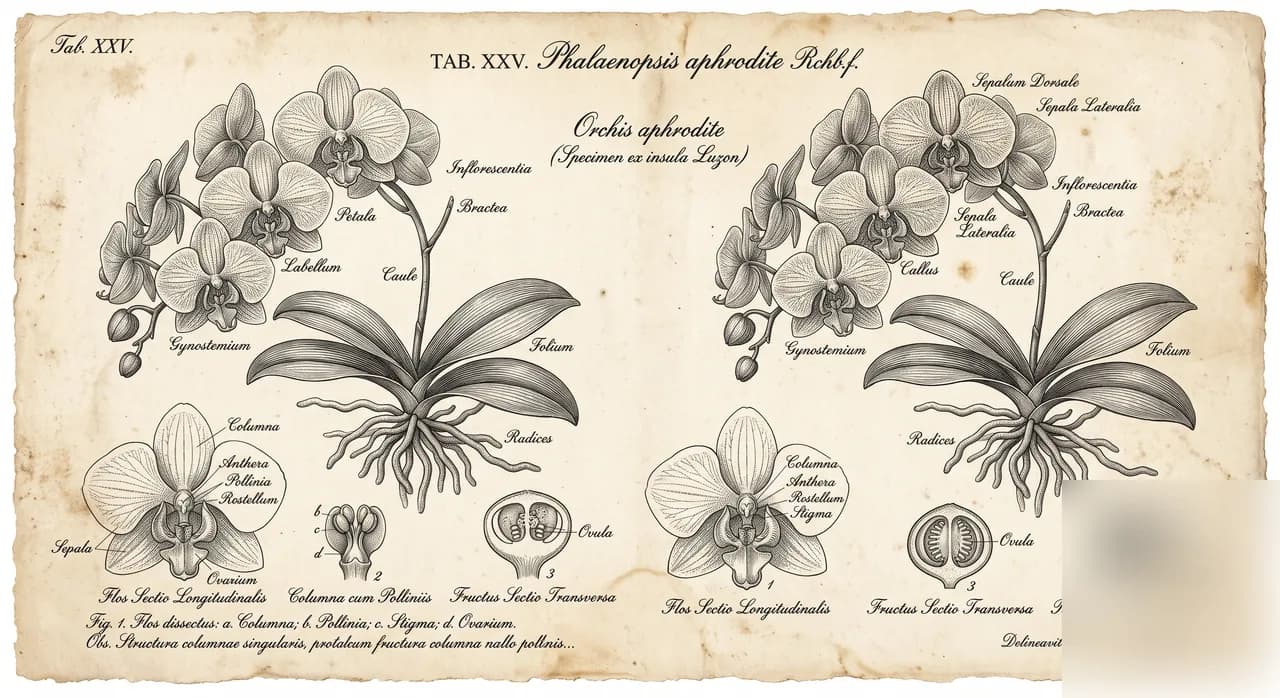
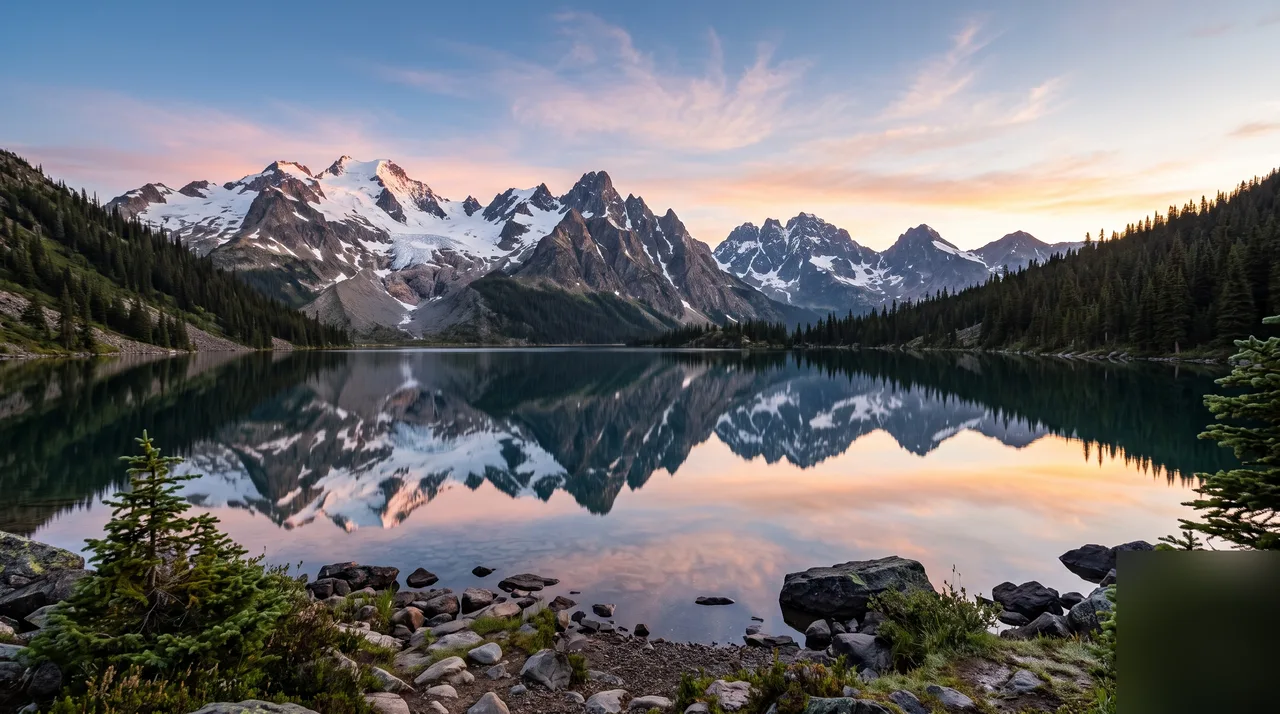
4K ultra-HD detail
Up to native 4K output. Every hair, pore and handwritten annotation stays crisp and legible — da Vinci-grade fine detail that holds up even when viewers zoom all the way in.
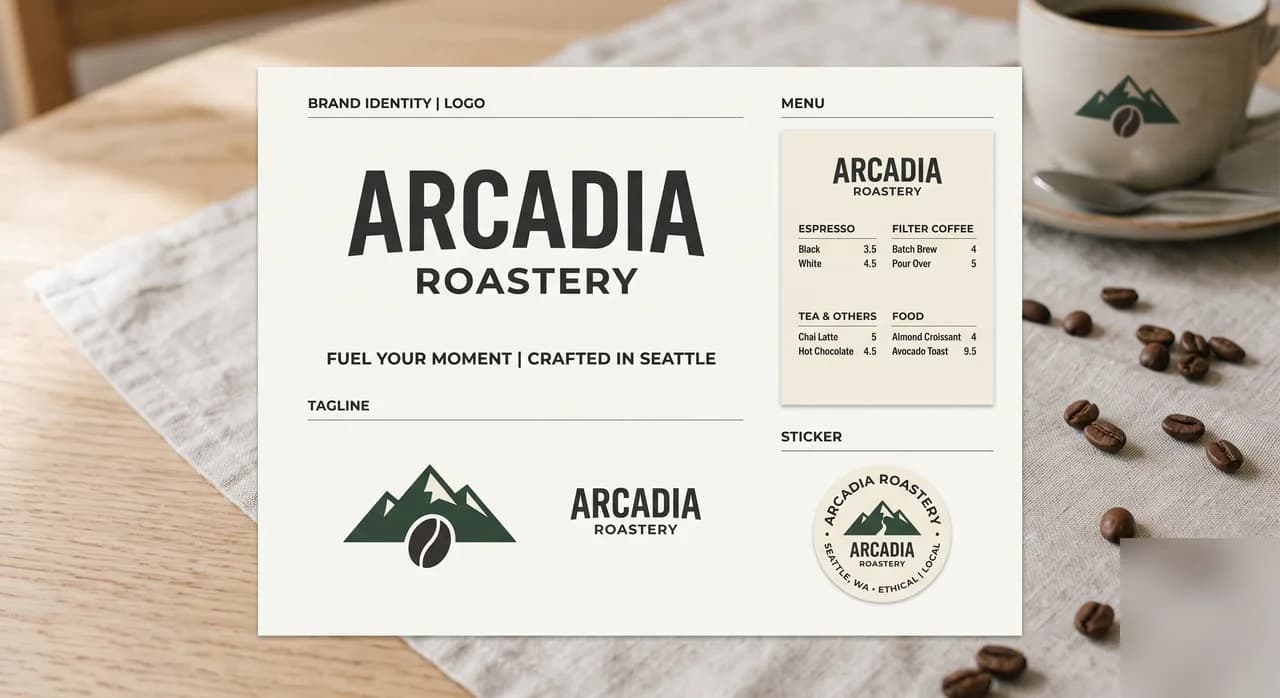
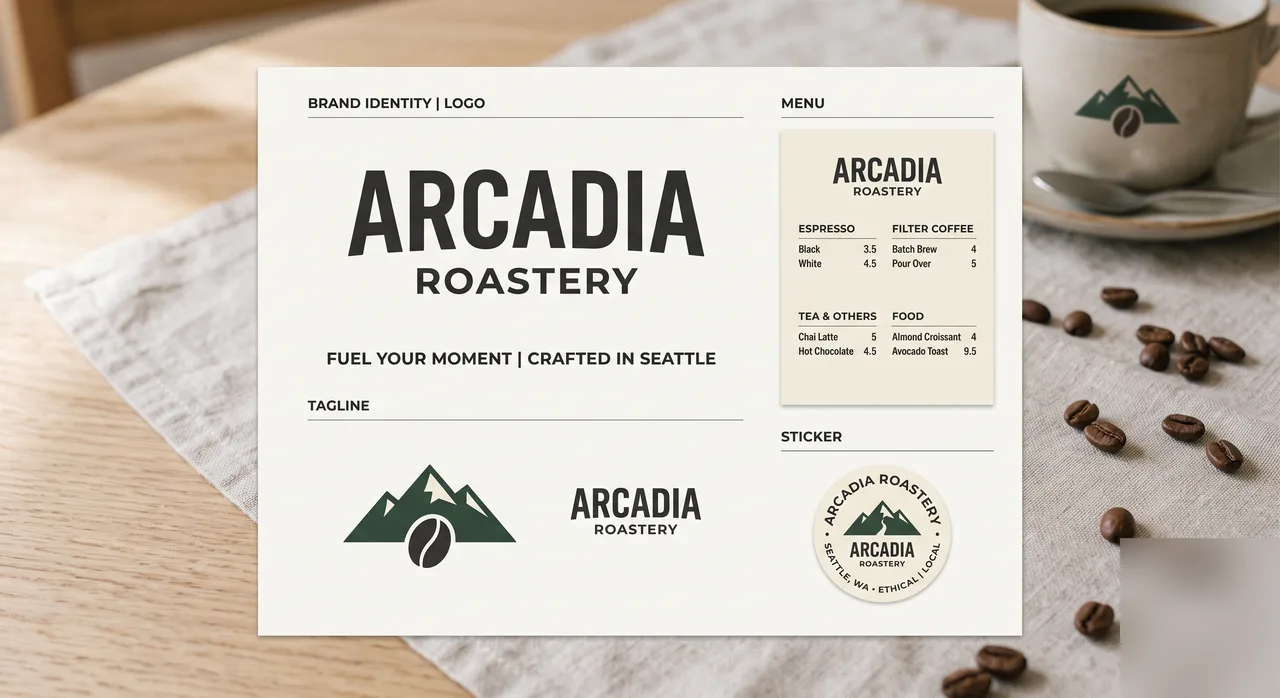
Precise text rendering
Nano Banana Pro's killer trick: clean, readable, styled text baked right into the image. Logos, infographics, menu cards and marketing posters render perfectly — the end of the garbled-AI-text era.
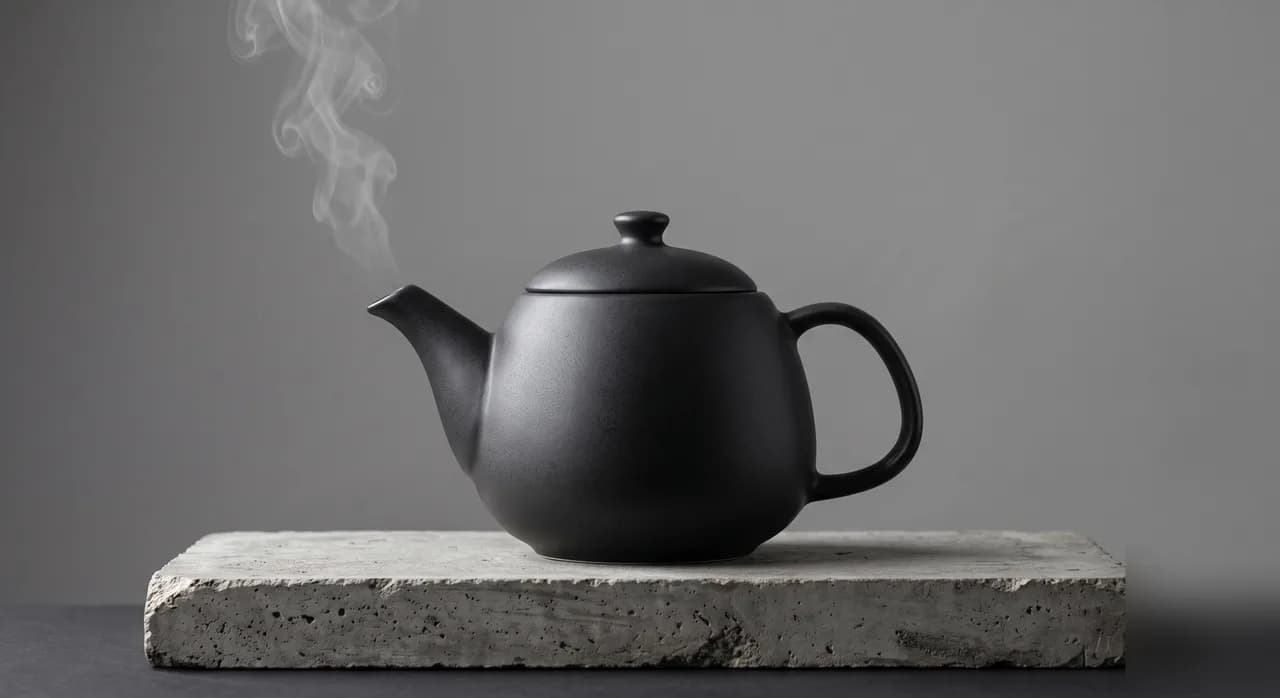
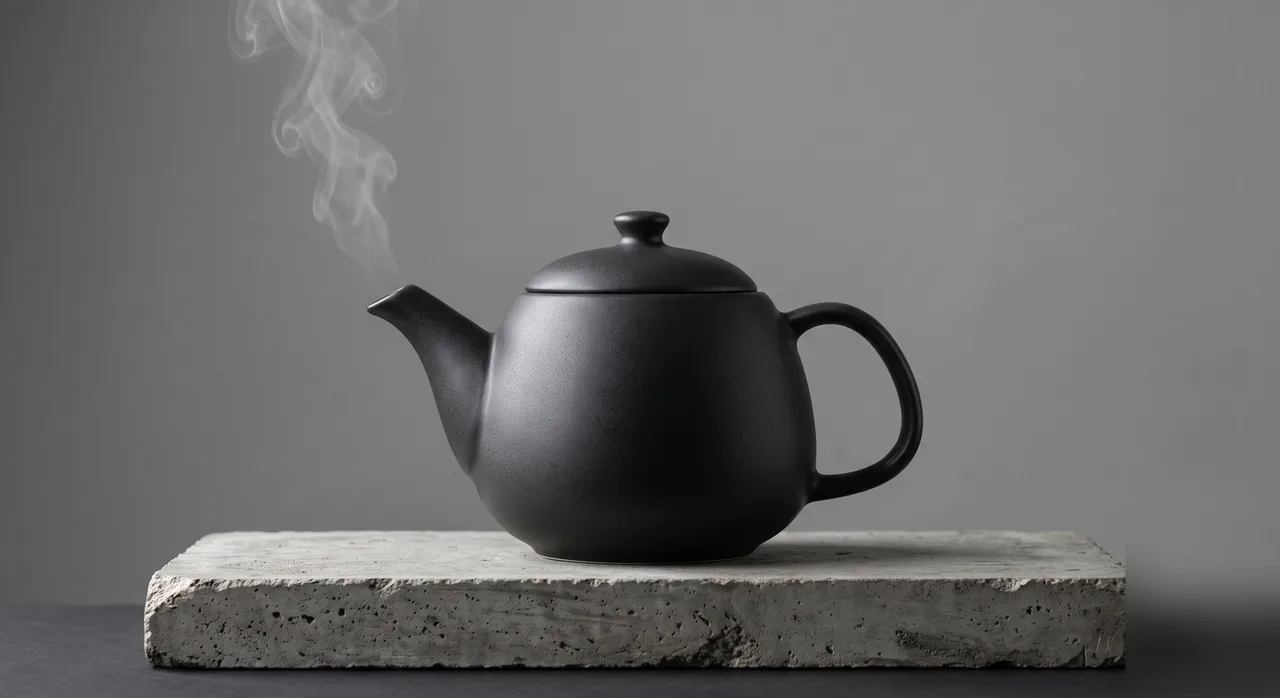
Commercial product photography
No studio, no gear — Nano Banana Pro generates e-commerce-ready shots straight from a prompt. Product heroes, scene mockups and brand visuals hit publish-ready quality and save real shoot costs.
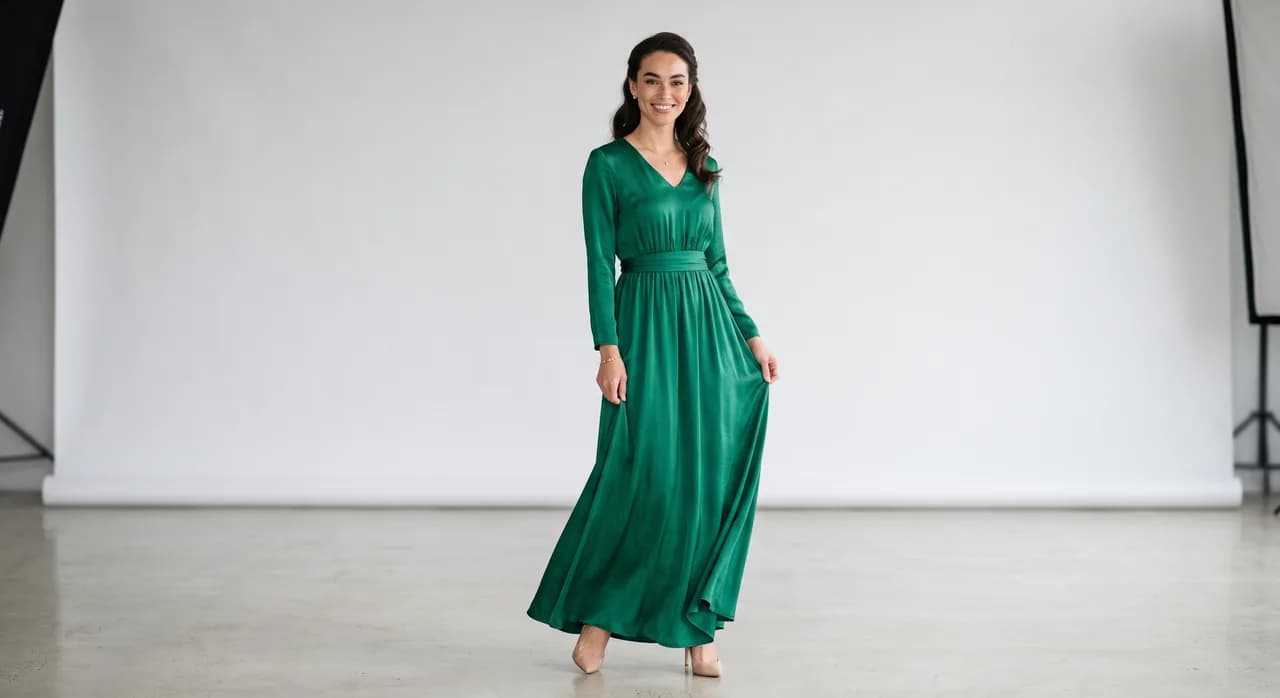
Multi-image composite, high fidelity
Feed it up to 14 references and it seamlessly fuses elements into one new image. Faces, garment detail and brand logos are preserved with high fidelity — the ultimate tool for fashion e-commerce and brand work.
What Nano Banana Pro Does Better
Ten credits per image buys the premium tier of the Nano Banana family. Here is exactly where that premium shows up — and where a cheaper tier would serve you just as well.
Subject consistency across a series
The same character, product, or mascot stays recognizably itself across a whole set of generations — the failure mode that wastes the most credits on lesser models. Feed it one to three reference images and it holds identity, outfit, and proportions shot after shot.
High-fidelity retouching
Edits change only what you asked for. Labels stay legible, skin texture stays natural, fabric weave survives the edit — which is why it is the tier for client deliverables rather than drafts.
Clear, legible text in images
Posters, packaging mockups, and UI shots need real words, not AI-ish squiggles. Nano Banana Pro renders short headlines and label text cleanly enough to use without a manual text pass.
Multi-reference composition
Combine up to three reference images in one prompt — your product plus a model plus a scene — and direct how they merge. This is the workflow behind consistent marketing composites.
Studio-grade lighting control
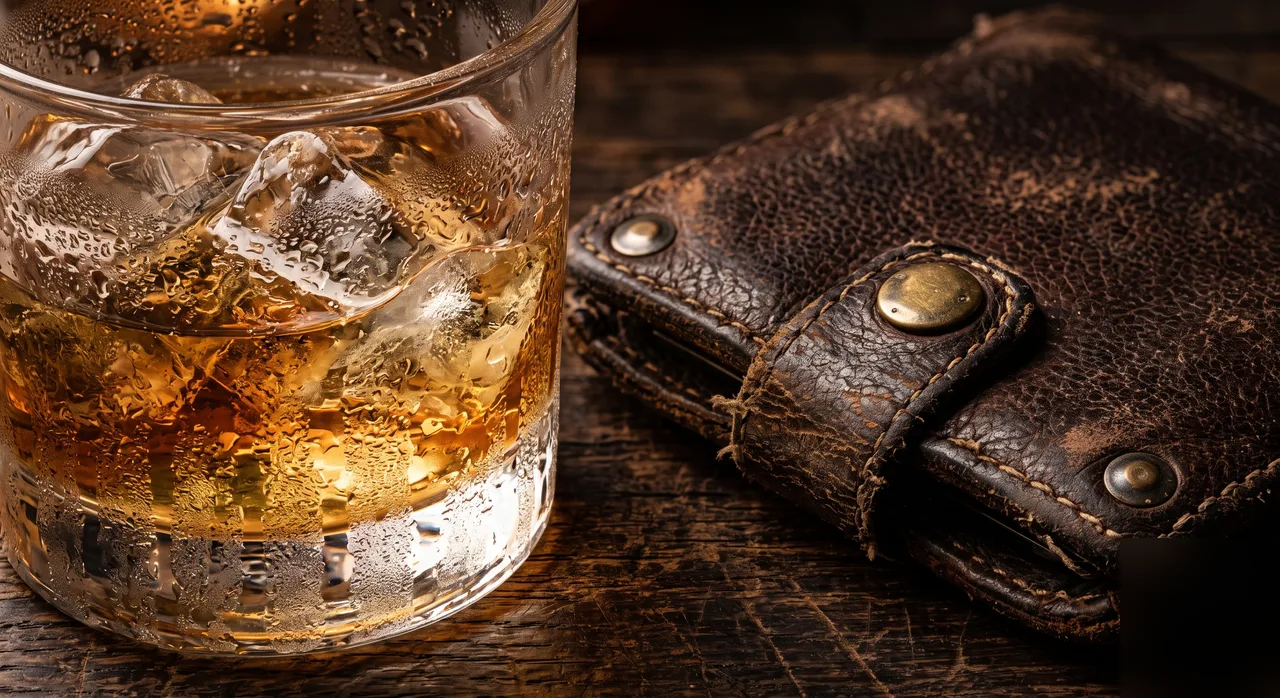
Ask for softbox key light, golden hour rim light, or clean e-commerce flat lighting by name and the model follows the direction — the difference between “AI image” and “photograph”.
4K output for production
1K for drafts, 2K at 1.5× credits, native 4K at 2× when the file goes to print or a hero banner. Same prompt, same look — pay for resolution only on the shot you ship.
How to Use Nano Banana Pro in 4 Steps
Describe the shot
Type what you want — subject, style, lighting, mood. Plain language works; specifics work better.
Attach references (optional)
Up to 3 images to lock identity, style, or composition. Skip this for pure text-to-image.
Pick resolution & ratio
1K/2K/4K and six aspect ratios. The credit cost updates live before you commit.
Generate and iterate
Results land in your history for side-by-side comparison. Change one thing per run for fastest convergence.
Where Nano Banana Pro Earns Its Credits
Brand campaigns
One visual identity across dozens of assets — same mascot, same palette, same light — without a reshoot for every variation.
E-commerce hero images
Product-accurate composites where the label, texture, and proportions survive — good enough for the listing, not just the moodboard.
Character series
Webcomics, children's books, and game concept sets need the same face in scene after scene. This is the model that keeps it.
Client retouching
When the edit is billable, regenerate-and-hope is not a workflow. Pro's fidelity makes single-pass edits the norm.
Explore more models
Each model has its own strengths — pick one and start creating.
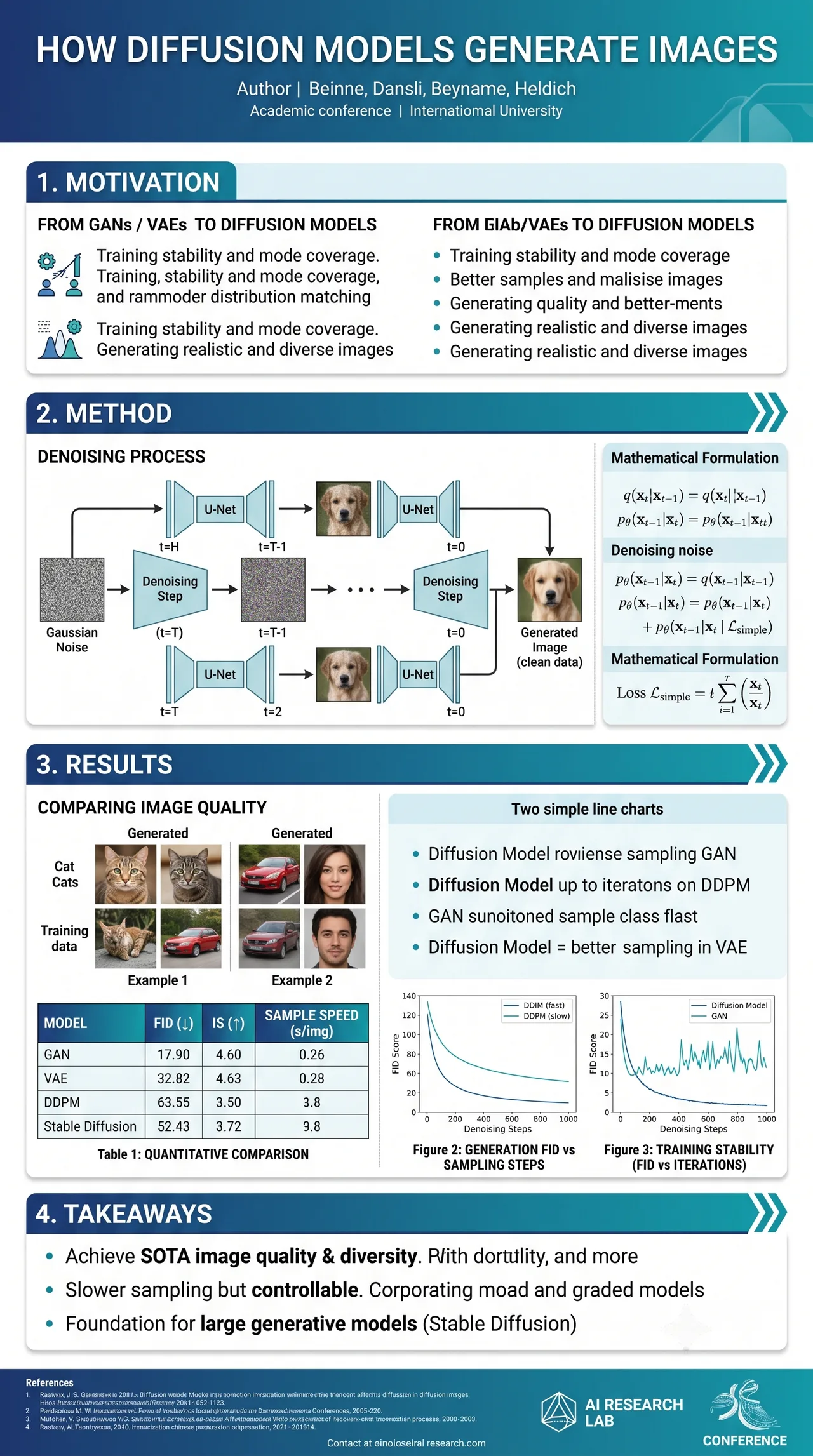
Shotari Pro
Our premium in-house model — sharper, higher quality.
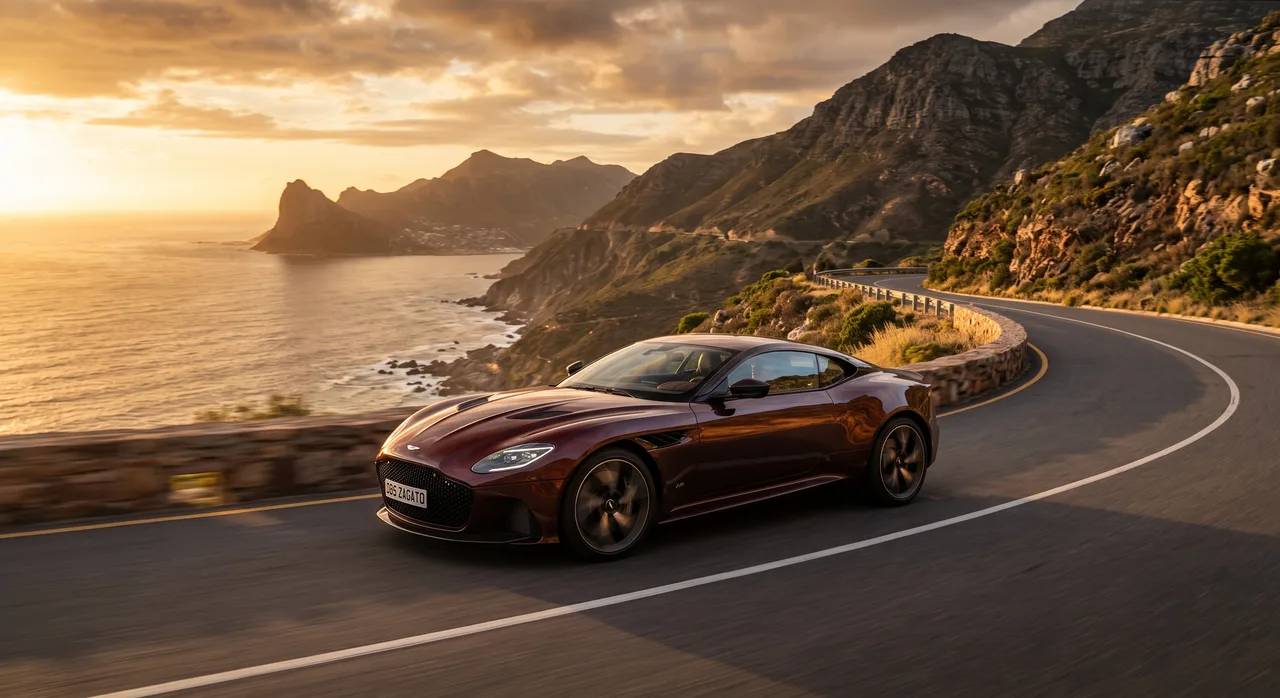
Shotari Basic
Our free, fast model for everyday creation.

FLUX.2
Black Forest Labs' flagship — striking photorealism.
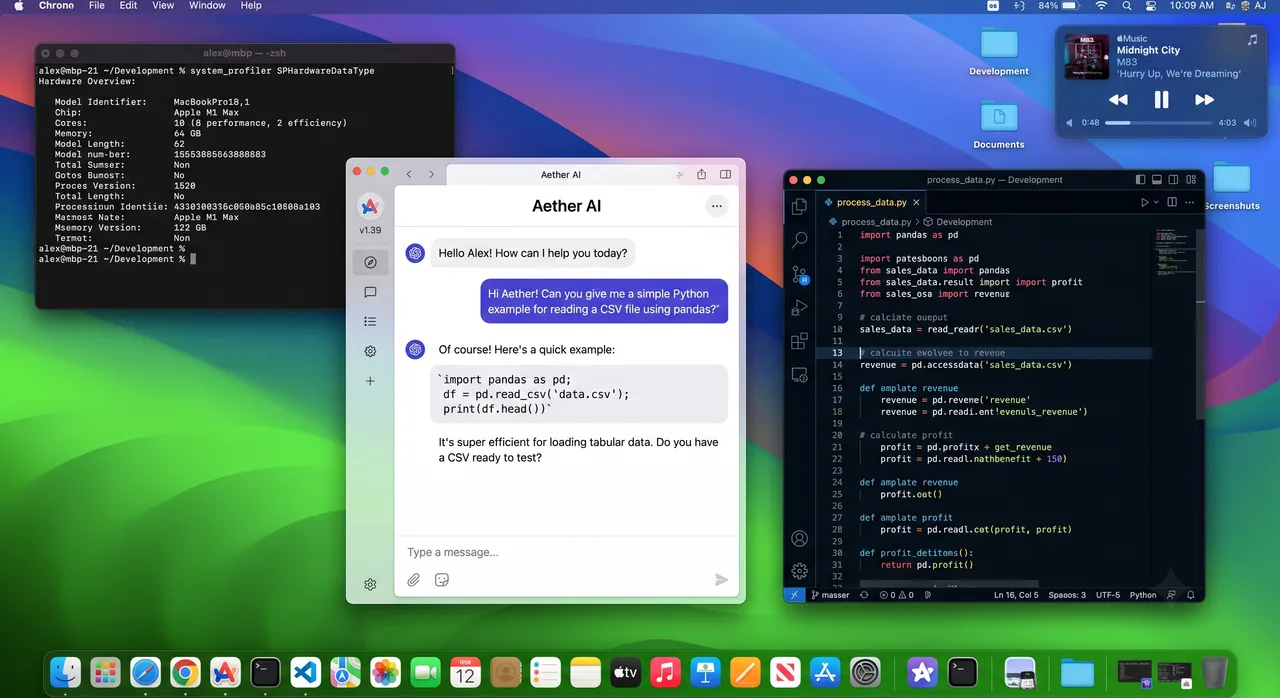
GPT Image 2
OpenAI's flagship — best at long prompts and text inside images.
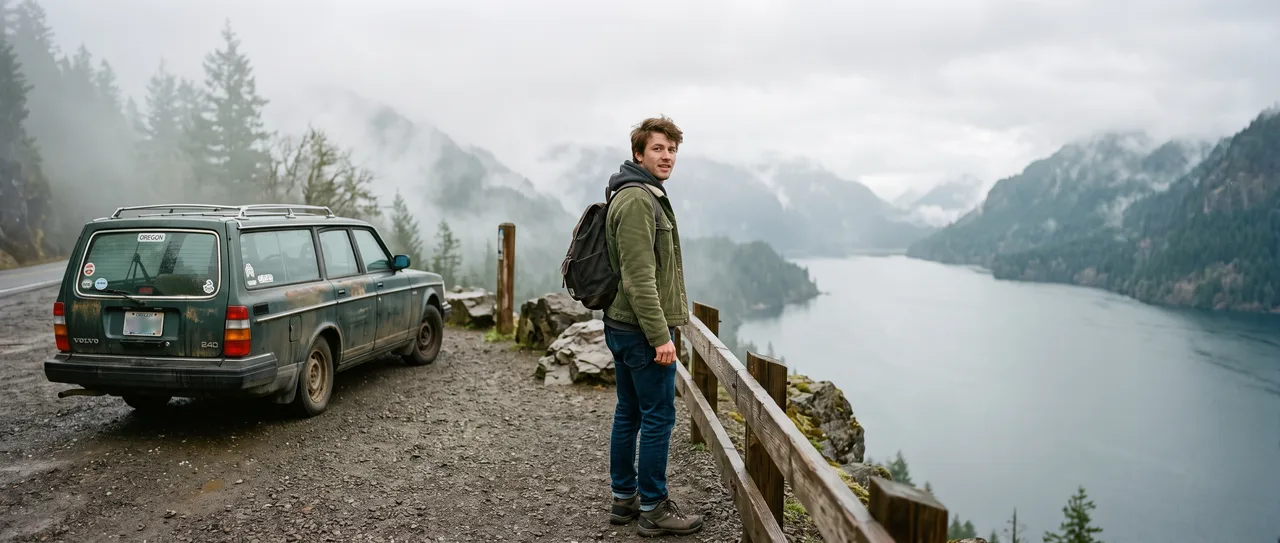
GPT Image 1.5
Fast OpenAI edits with clean in-image text.
Nano Banana 2
Sharper detail and refined visual quality.
Nano Banana
Fast, popular model for everyday image creation.
Seedream 5
Photorealistic, high-resolution image generation.
Seedream 4.5
Cinematic realism with 2K/4K and reference editing.
Seedream 5 Lite
Budget-friendly, fast everyday generation.
Choose Your Plan
Free images include a watermark. Upgrade for clean output, faster generation and commercial use.
Free
10 credits per day
Get Started- ~5 Shotari Pro generations/dayⓘ
- Unlimited Shotari Basic (slow queue)ⓘ
- Basic features
- Community support
- Images include a watermark (free tier). Upgrade to remove.
- Shotari free models only
Pro
Billed yearly · $120/year
2,000 credits per month
- All credit models (GPT Image, Nano Banana, Seedream, Seedance, Kling, Veo)
- ~1,000 Shotari Pro generations/monthⓘ
- ~80 AI videos per monthⓘ
- Unlimited Shotari Basicⓘ
- Priority queue
- No watermark
- Commercial license
Ultimate
Billed yearly · $240/year
5,000 credits per month
- All credit models (GPT Image, Nano Banana, Seedream, Seedance, Kling, Veo)
- ~2,500 Shotari Pro generations/monthⓘ
- ~200 AI videos per monthⓘ
- Unlimited Shotari Basic
- Highest-priority queueⓘ
- Full privacyⓘ
- No watermark
- Commercial license
- Early access to new features
Frequently Asked Questions
What makes Nano Banana Pro's image quality superior to other versions?
Nano Banana Pro (also known as nano-banana-pro or nana banana pro) uses Google's Gemini 3 Pro Image Preview — the most powerful model in the lineup. Compared to Nano Banana 2's Gemini 3.1 Flash, Pro delivers significantly better detail, lighting, color accuracy, and text rendering. It's the difference between a good draft and a publication-ready image.
Why is Nano Banana Pro slower than other versions?
The Gemini 3 Pro model has higher computational requirements than the Flash variants. It trades speed for quality — spending more time on fine details, coherent compositions, and precise text rendering. If you need the best possible output and can wait a bit longer, Pro is the right choice.
How does Shotari run Nano Banana Pro?
Shotari calls the same official Gemini 3 Pro Image Preview API that Google offers, right in your browser with a streamlined workflow. For professional creators, this makes it easy to compare variations and get to a usable image faster — no install, no setup.
What professional scenarios is Nano Banana Pro best for?
Nano Banana Pro excels at commercial posters, product photography, brand visuals, book illustrations, and any scenario demanding fine detail control. The Gemini 3 Pro model handles complex multi-element compositions, realistic textures, and accurate text rendering that lighter models struggle with.
Does Nano Banana Pro support multi-image composition?
Yes. Upload up to 14 reference images plus a text prompt, and nano-banana-pro will compose them into a cohesive result. This is ideal for character outfit swaps, scene merging, style transfer between photos, and combining elements from different sources.
Does Nano Banana Pro support Web Search like Nano Banana 2?
Yes. Like Nano Banana 2, Pro also supports Web Search — pulling in real-time knowledge to generate images involving current events, real people, brand logos, and trending topics. Combined with Pro's superior quality, this makes it the most capable nano banana tool available.
How much does Nano Banana Pro cost?
On Shotari, Nano Banana Pro costs 10 credits per image, paid from a credit pack or subscription. The free credits every account gets — 20 at signup plus 10 a day — only run Shotari Basic, so they can't be spent on Nano Banana Pro. Images made with paid credits are watermark-free and cleared for commercial use.
Nano Banana Pro vs Nano Banana 2 — which should I choose?
For everyday creative work where speed and volume matter, go with Nano Banana 2 at 6 credits per image. For professional deliverables where quality is non-negotiable, choose Nano Banana Pro at 10 credits per image. Both use Google's official API.