AI Image-to-Video Tool
Turn any still image into a smooth, lively video clip — control motion, camera and length with one prompt.
Popular models
A lineup of video models across styles and quality tiers — switch on the same prompt.
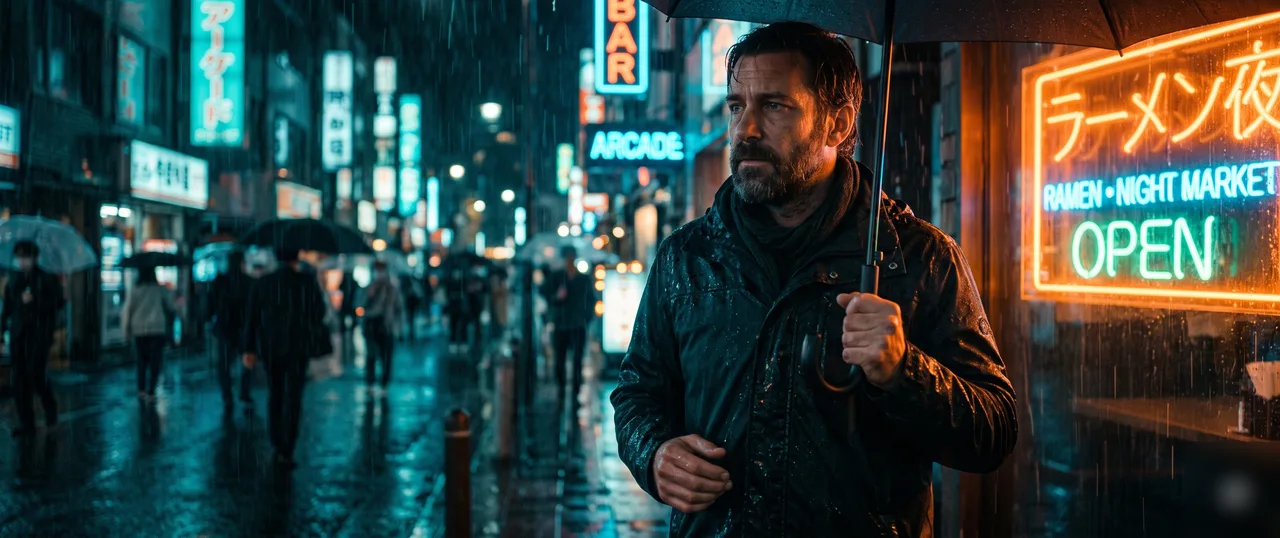 Popular
Seedance
Seedance 2.0
Best quality — multi-shot with natural, controllable motion.
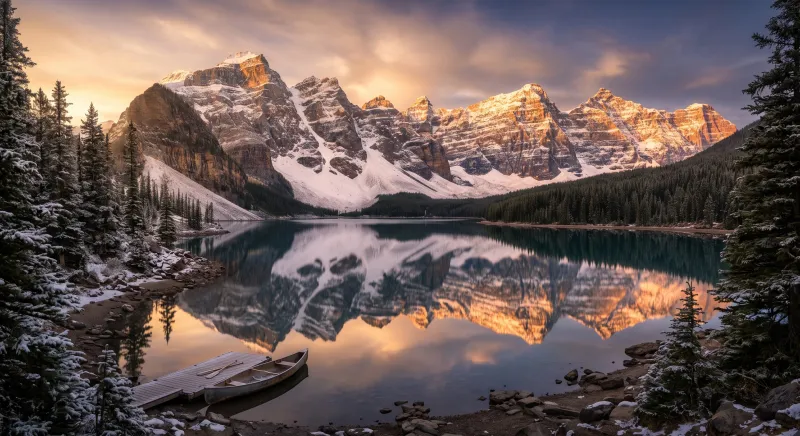 Fast
FastSeedance
Seedance 2.0 Fast
Faster drafts — great for social clips and direction tests.
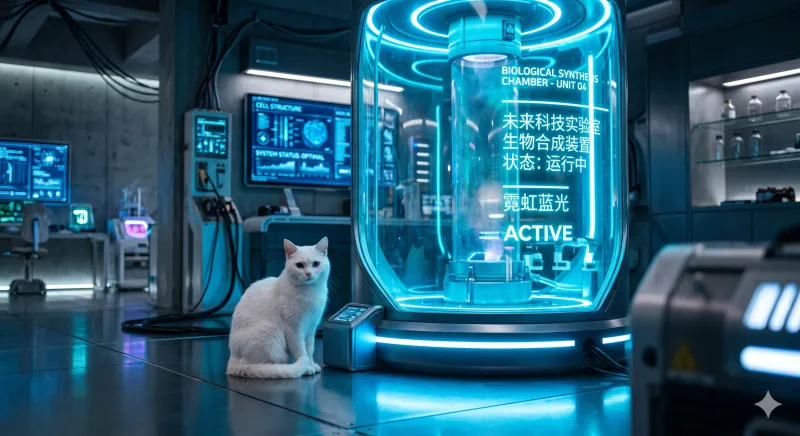 Audio
AudioVeo
Veo 3.1
Native audio, cinematic realism, faster drafts.
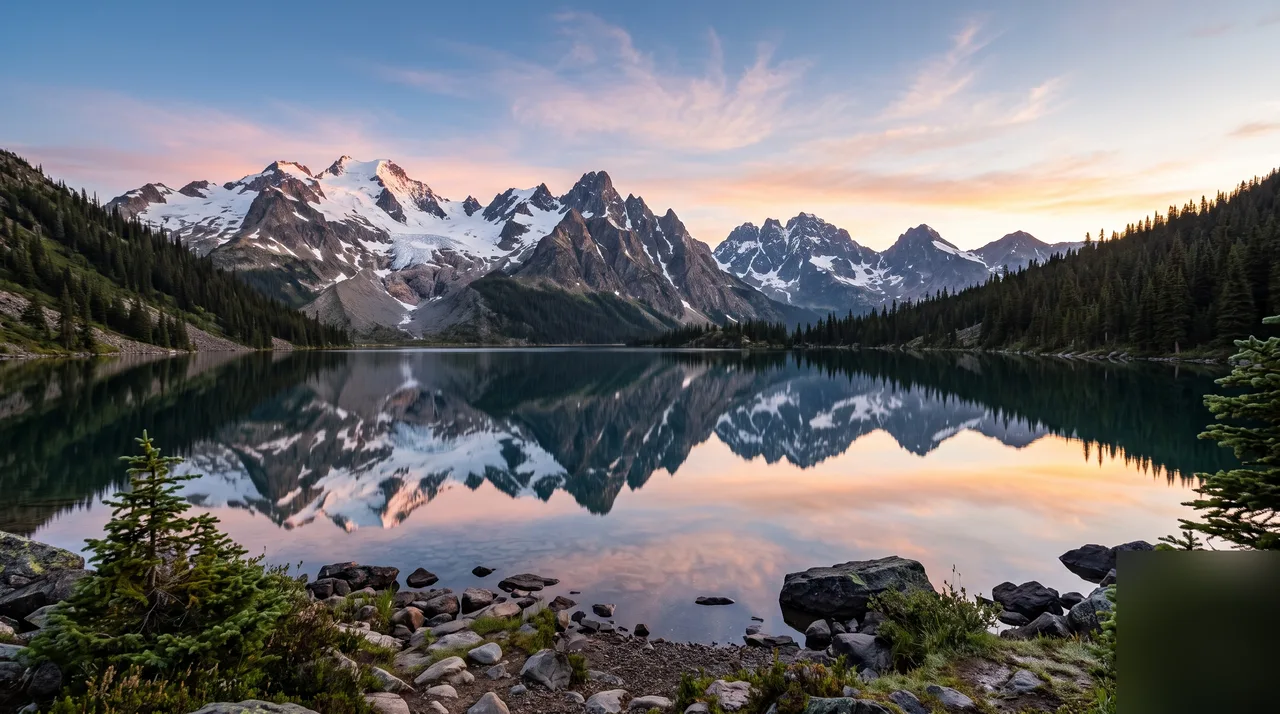
Kling
Kling 3.0
Cinematic camera work with bold, high-impact motion.
One image, more ways to move
Upload any still image and let the subject, light and camera move on your prompt — a publishable short in seconds.
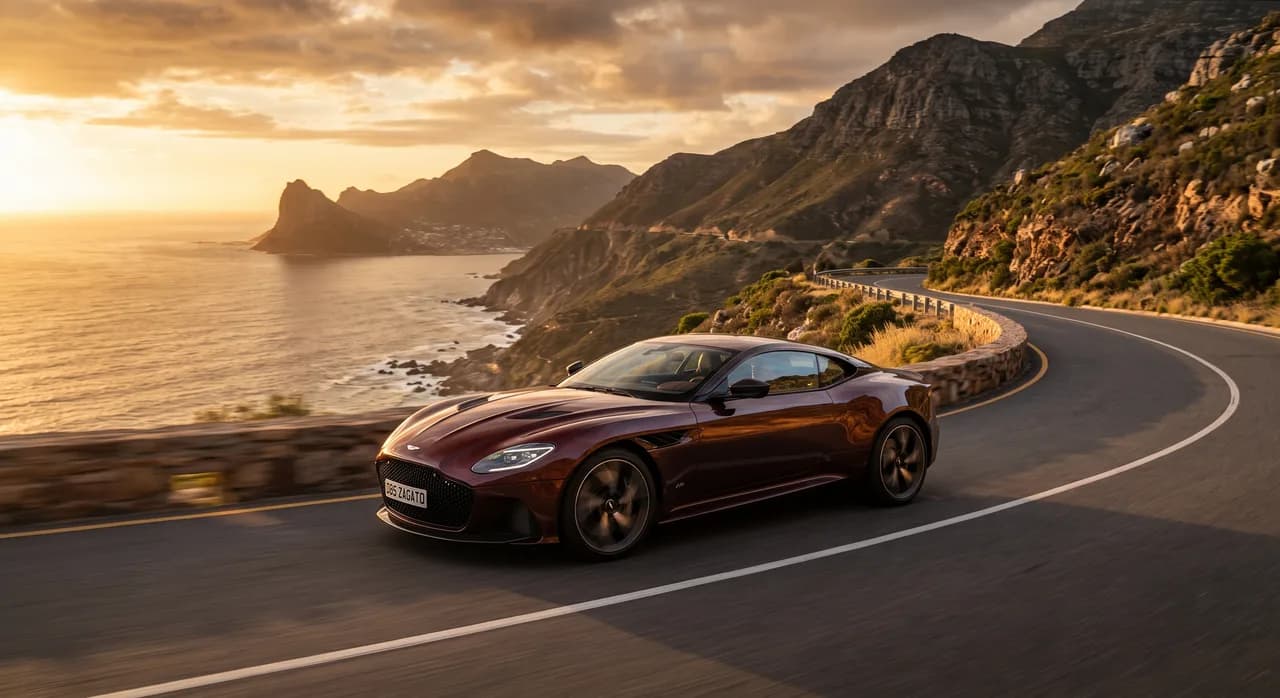
“Red silk drifting in the wind, camera slowly pushing toward the product”
Subject stays consistent
Products, characters and scenes keep the original look and detail across the whole clip — motion without drift.

“City skyline fading from daylight into neon night”
First + last frame control
Set the start and end frames and the model fills in the motion — transitions, transformations and camera moves in one pass.
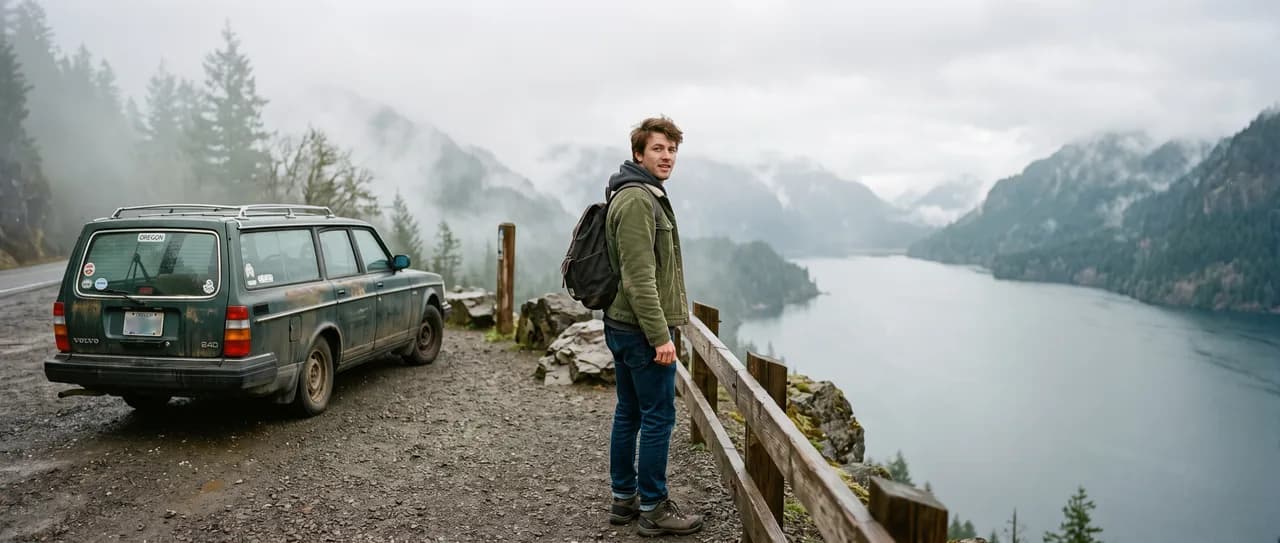
“Drone orbiting a snowy peak, rising to reveal the valley”
Motion and camera in one line
Push-ins, pans, slow motion and orbits — describe camera and subject motion together in one prompt.

“Premium ad shot of a white product on a rotating stage”
Built for real production
Product shots become demo clips, posters become motion splashes, illustrations become social loops — reuse assets you already have.
Came here from Sora 2? OpenAI closed the Sora app in April 2026 and set September 24, 2026 as the API end date.
Sora 2 alternatives, compared on real specs →Keep exploring Shotari
One account across image generation, image editing and video creation.
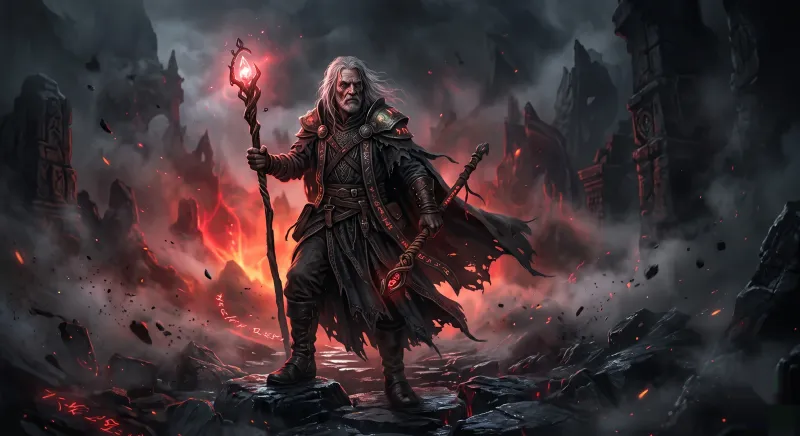
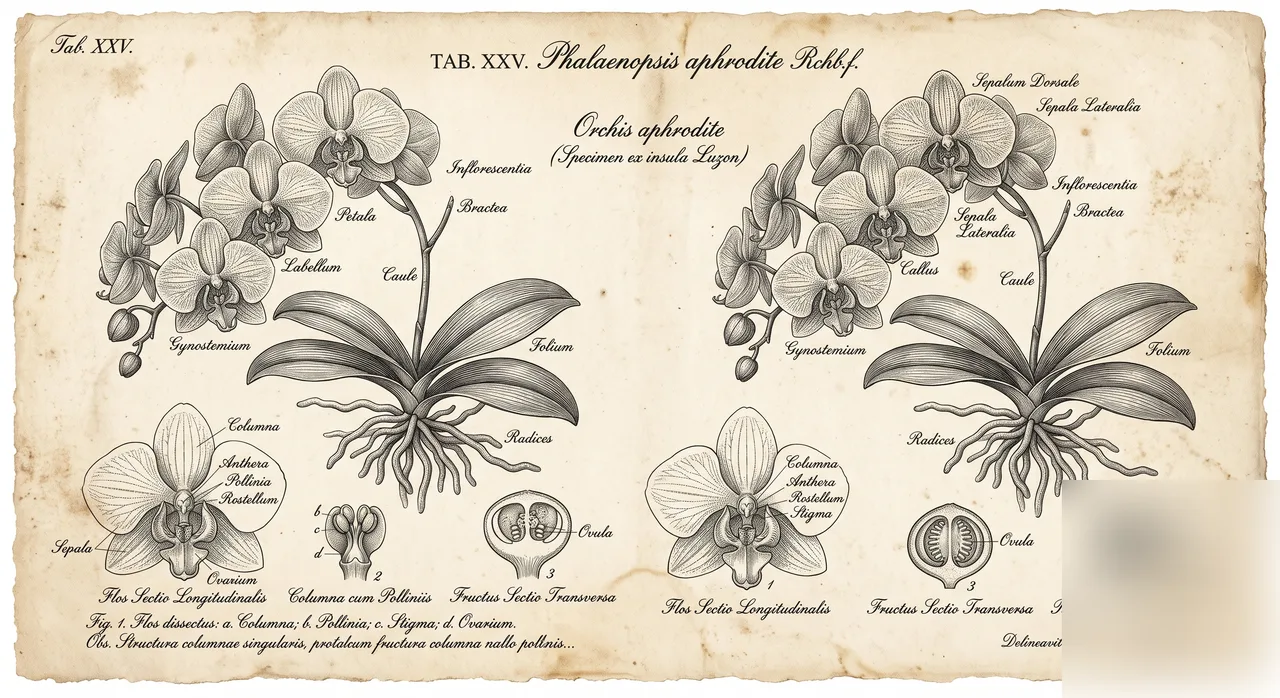
Choose Your Plan
Free images include a watermark. Upgrade for clean output, faster generation and commercial use.
Free
10 credits per day
Get Started- ~5 Shotari Pro generations/dayⓘ
- Unlimited Shotari Basic (slow queue)ⓘ
- Basic features
- Community support
- Images include a watermark (free tier). Upgrade to remove.
- Shotari free models only
Pro
Billed yearly · $120/year
2,000 credits per month
- All credit models (GPT Image, Nano Banana, Seedream, Seedance, Kling, Veo)
- ~1,000 Shotari Pro generations/monthⓘ
- ~80 AI videos per monthⓘ
- Unlimited Shotari Basicⓘ
- Priority queue
- No watermark
- Commercial license
Ultimate
Billed yearly · $240/year
5,000 credits per month
- All credit models (GPT Image, Nano Banana, Seedream, Seedance, Kling, Veo)
- ~2,500 Shotari Pro generations/monthⓘ
- ~200 AI videos per monthⓘ
- Unlimited Shotari Basic
- Highest-priority queueⓘ
- Full privacyⓘ
- No watermark
- Commercial license
- Early access to new features
Frequently Asked Questions
How does image-to-video work?
Upload an image as the first frame, describe how it should move, choose the length, and the model animates it into a short video that keeps the subject consistent.
Can I control the start and end?
Yes — switch to first + last frame mode and upload both. The model generates the motion in between.
How much does a video cost?
It depends on the model and length: a 5-second clip costs from 24 credits (Seedance 2.0 Fast) to 120 credits (Veo 3.1), and longer clips cost proportionally more. Video models run on paid credits only — the free signup and daily credits are for Shotari Basic images.
Can I animate photos of people?
For privacy compliance, video models reject reference images that contain real people. Landscapes, products, scenes and illustrations work great.
Can I use the videos commercially?
Paid credit purchases include full commercial usage rights for the videos you generate.
Bring your images to life — start with Shotari
Upload an image, describe the motion, and get a cinematic short in seconds. Pick the model, ratio and length, then download.
Start creating free