Model
Cyberpunk Portrait
Upload a reference photo and click Generate. You can generate free without an account — signing up unlocks downloads.

Example: before → after. Upload your image to start.
How to use the Cyberpunk Portrait template
- 1
A portrait shot at night or against a dark background. Bright daylight images have to be relit from scratch, and the neon rims sit less convincingly on them.
- 2
Click Generate — the AI re-renders your photo using the template prompt shown below. It runs without an account, on Shotari Basic.
- 3
The result appears right here. Re-run any time — each generation differs slightly. Downloading needs an account.
What this template does
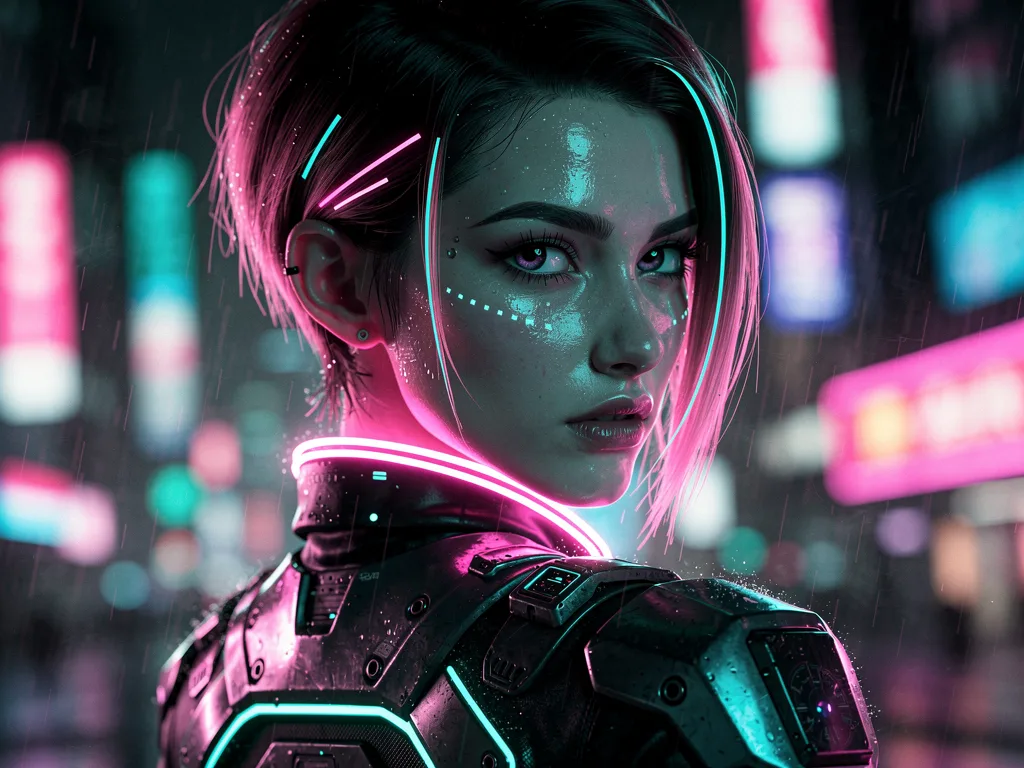
Relights the portrait with neon pink and cyan rim light against a rainy night-city bokeh, adds futuristic clothing detail and grades the whole frame cinematically. The instruction keeps the face and identity exactly — the transformation is lighting, wardrobe and world.
Template prompt
Restyle this photo as a cyberpunk portrait: neon pink and cyan rim lighting, rainy night city bokeh background, reflective highlights, futuristic clothing details, cinematic color grade. Keep the person's face and identity exactly.
Frequently asked questions
Does it change my clothes?
It adds futuristic detail to them rather than swapping the outfit wholesale — panels, trim, reflective edges. If you want a completely different wardrobe, Outfit Stylist is the template that does that.
Can I get a daytime version?
No — the rainy night city is written into the prompt, and the neon lighting only makes sense against it. A daylight cyberpunk look would need your own prompt in the editor.
Is this template free to use?
You can generate twice a day with no account at all. A free account adds 20 credits at signup plus 10 more daily. Downloading requires an account, and paid credits are what give you watermark-free output with full commercial rights; free-tier use is personal-use only.
Which model runs it, and what does it cost?
Shotari Basic by default, which costs 0 credits. You can switch to a premium model — Shotari Pro (2 credits), Seedream 5 Lite (3), GPT Image 2 (5), Nano Banana Pro (10) and others — but those bill paid credits, so they need a signed-in account with a paid balance. Without an account the job always runs on Shotari Basic and the page says so.